SVG vs PNG: Which Should You Save?
Compare vector and pixel exports, including gradient fills, transparency, and keeping an editable SVG master.
In this guide 7 sections
Should you save your graphic as SVG or PNG? The short answer: use SVG for logos, icons, and anything that must scale, and use PNG for detailed images or when a platform does not accept vectors. This guide explains the difference and how to convert between the two online.
The core difference
PNG is a raster format built from a fixed grid of pixels. SVG is a vector format built from math — points, curves, and lines — so it redraws perfectly at any size. That single distinction drives almost every decision between them.
SVG vs PNG at a glance
| Feature | SVG | PNG |
|---|---|---|
| Type | Vector (paths) | Raster (pixels) |
| Scaling | Infinite, always sharp | Blurry when enlarged |
| Best for | Logos, icons, illustrations | Photos, complex images |
| File size | Tiny for simple art | Larger, grows with resolution |
| Editable | Yes, shapes and colors | Only pixels |
| Transparency | Yes | Yes |
| Universal support | Great on the web | Accepted almost everywhere |
When to save as SVG
- Logos, icons, and symbols that appear at many sizes.
- Flat illustrations and line art.
- Graphics you plan to recolor, animate, or send to a cutting machine.
When to save as PNG
- Fixed-size raster images, textures, or screenshots that need lossless pixel output. A gradient alone is not a reason to choose PNG: SVG supports vector gradients.
- Uploads to platforms that do not accept SVG, such as some social networks and email clients.
- Fixed-size graphics where you want an exact pixel result.
Export a gradient design as SVG or PNG
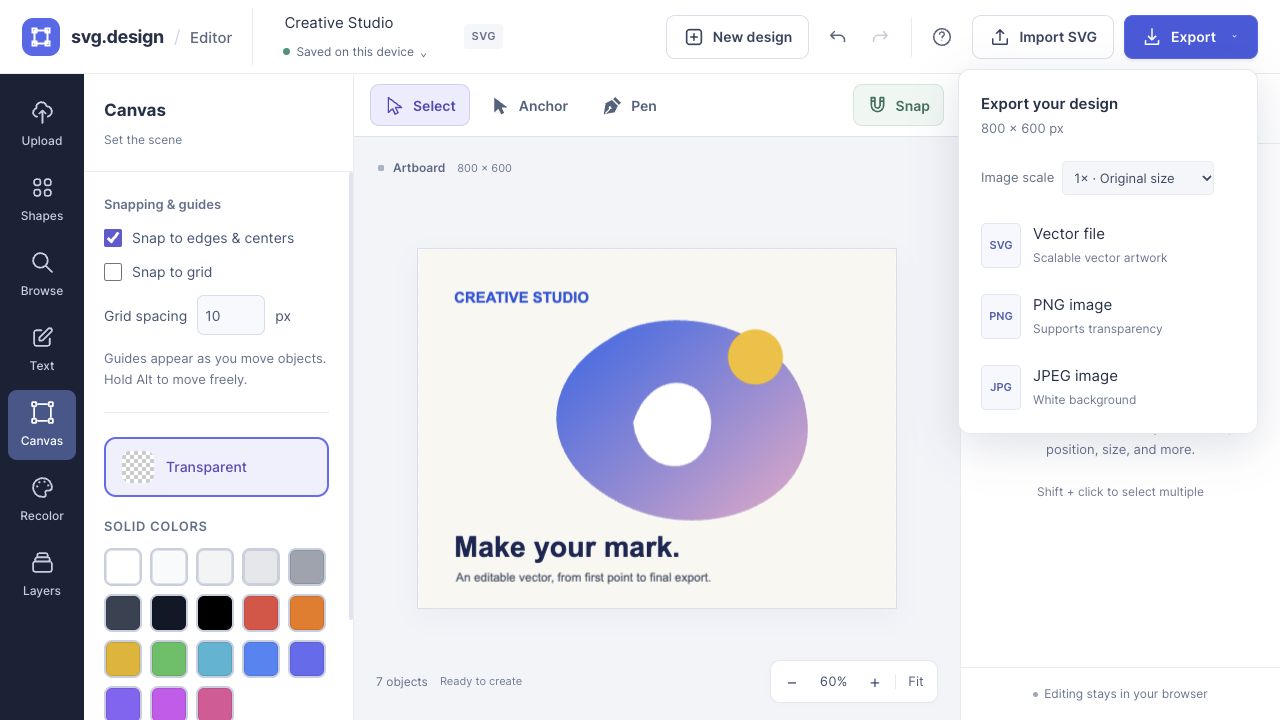
The SVG editor can create linear and radial gradient fills. Export SVG to keep those fills as vector definitions, or PNG for a fixed-resolution image. Transparency depends on your objects and background: an opaque background rectangle will still appear in a PNG.
Exporting a PNG as an SVG wrapper does not recreate vector paths. Use tracing when you need editable geometry, and keep an SVG master before making pixel exports.
How to convert between SVG and PNG
You are not locked into either choice. To go from vector to pixels, use the SVG converter to export a PNG. To go the other way and turn a PNG into a scalable vector, use the image vectorizer (vectorizing is a PRO feature).
Frequently asked questions
Is SVG better than PNG?
Neither is better overall. SVG wins for scalable logos and icons, while PNG wins for detailed photos and maximum compatibility.
Can I turn a PNG into an SVG?
Yes. The vectorizer traces a PNG into vector paths — a PRO feature — and flat, high-contrast graphics convert most cleanly.
Which format is smaller?
For simple graphics SVG is usually much smaller. For complex photographs PNG is the more practical choice.
Make it yours.
Keep this guide open and give it a try.