Turn Any Photo into Vector Art
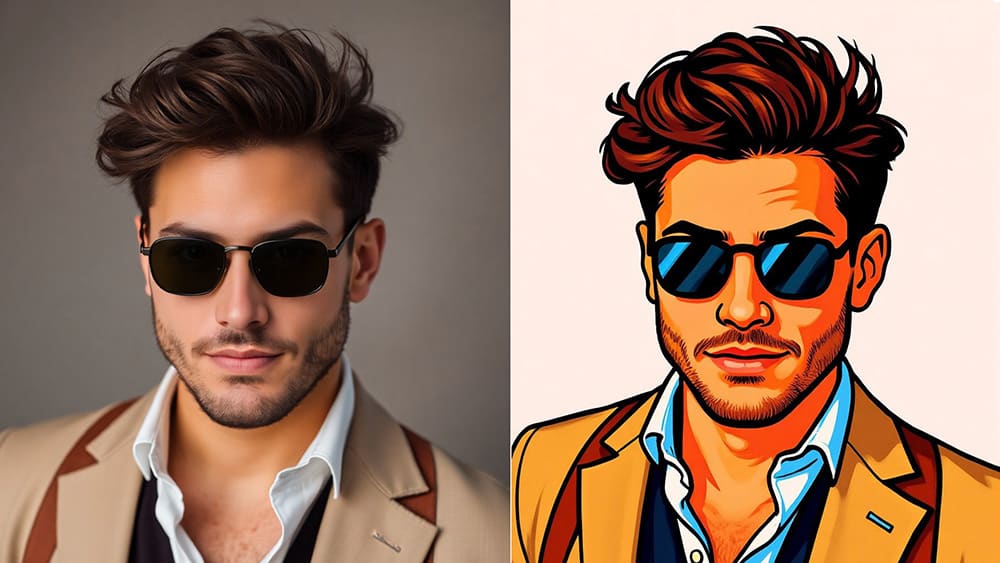
You already have photo that looks good...
however, sometimes you want something a little different to change up the style.
Something cleaner and more stylized that feels more like vector art.
That’s where vector portraits come in.
The problem is, creating real vector art usually means lots of time tracing in Illustrator
or paying someone else to do it for you, which honestly isn’t ideal.
That’s why Vectorizer makes such a difference.
With this tool, you can turn your portrait into true SVG vector art that looks like it was crafted by an artist, but only takes a few seconds of your time.
So you just upload your photo, preview the result and then export a real vector when it looks right.
Let’s see how easy it really is:
How it Works 👇🏼
Turning a portrait photo into vector art is quick and simple.
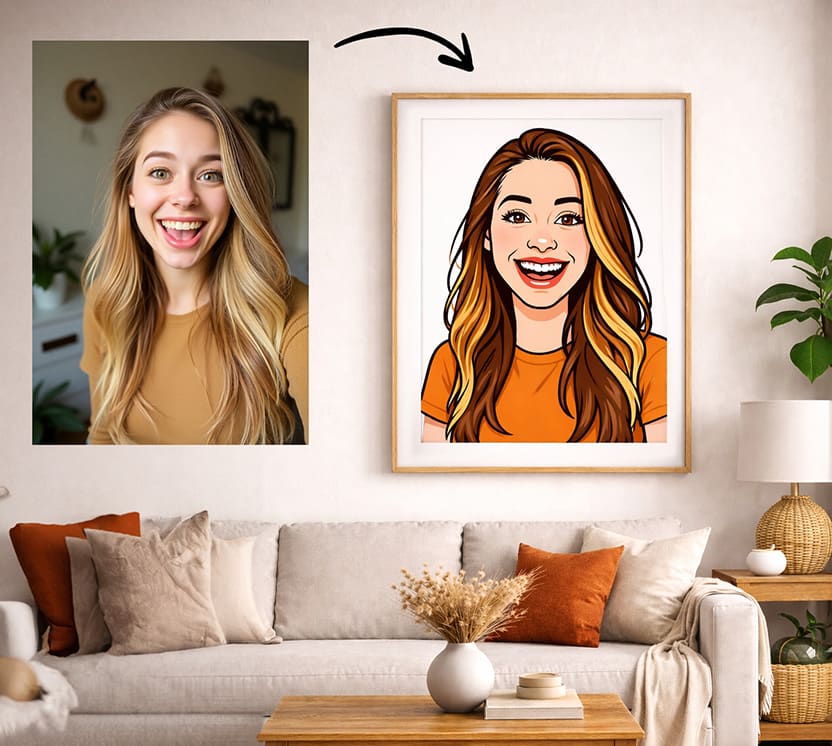
Step 1: Upload Your Photo
First, go to https://svg.design/vectorize and upload a clear portrait photo of a person or a pet.
Step 2: Choose a Style or Prompt
Next, pick a vector style you like, or write a short prompt to describe the look you want.
Step 3: Preview Instantly
Then, wait just a few seconds to see the preview.
You can tweak it by regenerating until it feels right.
Step 4: Export as SVG
Finally, export the result as a real SVG vector file, which is ready to edit, scale, and use anywhere.
That’s it, from portrait to vector art, in just a few clicks.
Why Vector Portraits Are So Popular 👨🎨
Vector portraits never lose quality, no matter how much you resize them.
So whether you use them as a small profile photo or blow them up into a large poster, they always stay sharp and clean.
At the same time, they feel more stylized and artistic than normal photos, which is exactly why people love them so much.
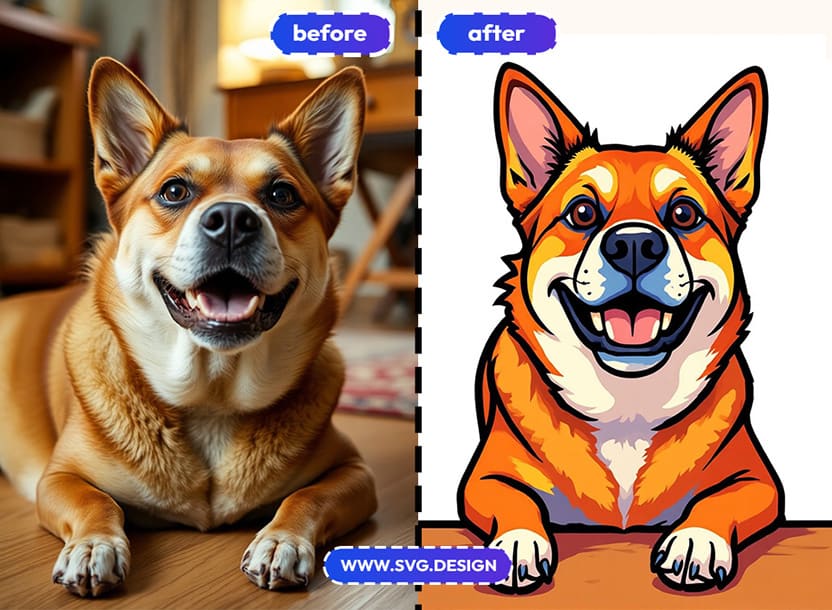
That’s why vector portraits are everywhere, including:
- Posters, prints, and wall art.
- Profile pictures and avatars.
- Personal brands and websites.
- Social media profiles.
- Gifts and custom merch.
They turn everyday photos into something far more special.
What Is the Vectorize Tool? 🤔
Vectorizer is an online tool that converts images into different styles of vectors.
However, what really makes it powerful is how easily it turns portrait photos into actual SVG file.

You simply upload a photo of a person, choose a style or guide it with an AI prompt, and then let the tool handle the rest.
The output is a real SVG vector file (or PDF or layered PSD)
Not just an image that looks like vector art, but a true SVG that you can edit, scale and also recolor.
What Makes This Tool So Special ✨
Many tools can stylize portraits and apply cool effects.
However, most of them only give you a PNG or JPG at the end.
SVG Design Vectorize goes one important step further.
It actually converts your portrait into vector paths.
So instead of just looking like vector art, your portrait truly is vector art.
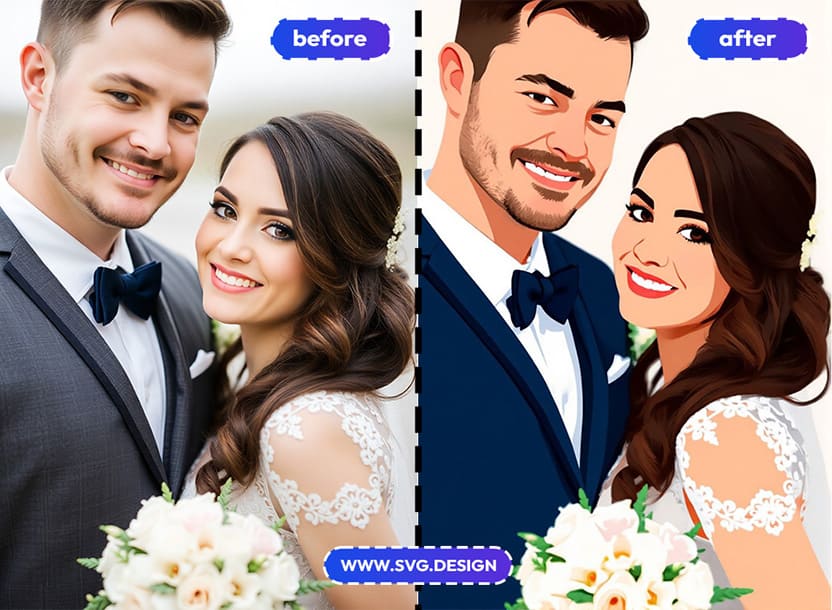
As a result, you can:
- Change colors easily.
- Edit shapes and lines.
- Animate elements if you want.
- And adapt the portrait to different layouts.
So you get a flexible design asset, and not just a static image.
Who Is This For?
📸 Photographers
If you take portraits for clients, you can offer vector art versions as an extra creative option.
It’s a great way to add value, stand out and give clients something unique alongside normal photos.
🎨 Designers
Because you can quickly create vector portraits for clients and then fine tune them inside your favorite vector design tools (or even download as layered vector Photoshop file)
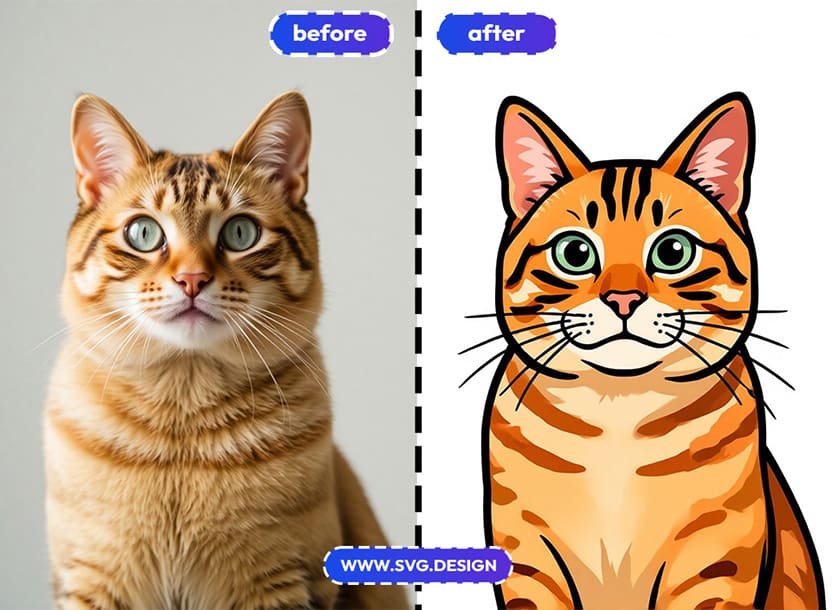
👩🏻💻 Content Creators
Because unique vector profile pictures help you stand out across social platforms.
🛍️ Print & Merch Sellers
Because vector portraits are perfect for printing, posters, mugs, shirts, and personalized gifts people love to buy.
🏡 Everyday Users
Because you can turn selfies, family photos, or friend portraits into art, just for fun or for something meaningful.
So whether it’s for work, branding, gifts, or personal projects, this tool makes it easy.
The Real Benefits of Vectorize Tool ✅
Here’s why SVG Design Vectorize is such a great choice for vector portraits.
⚡ Fast and Easy
From upload to preview, everything happens in seconds, so you’re never stuck waiting.
🎯 No Illustrator Needed
You don’t need drawing skills or professional software, because the AI takes care of the hard part for you.
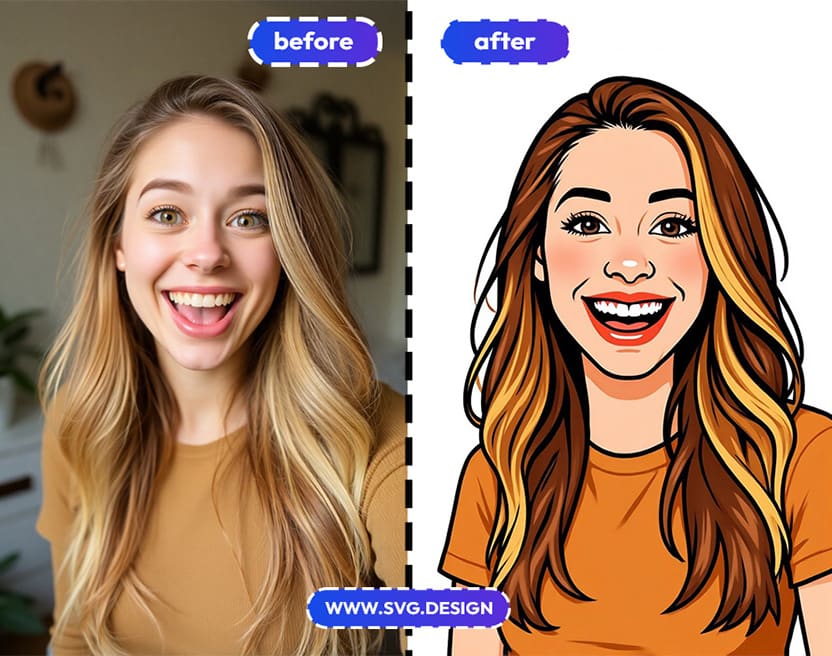
🖼️ Real Vector Output
You get a true SVG file, which means you can scale and edit it forever without quality loss.
💸 Cost-Effective
Instead of hiring an illustrator or designer, you can create vector portraits yourself in seconds.
Turn Regular Photos Into Art 🖼️
If you want to turn portrait photos into clean, modern vector art, there’s really no need to complicate the process.
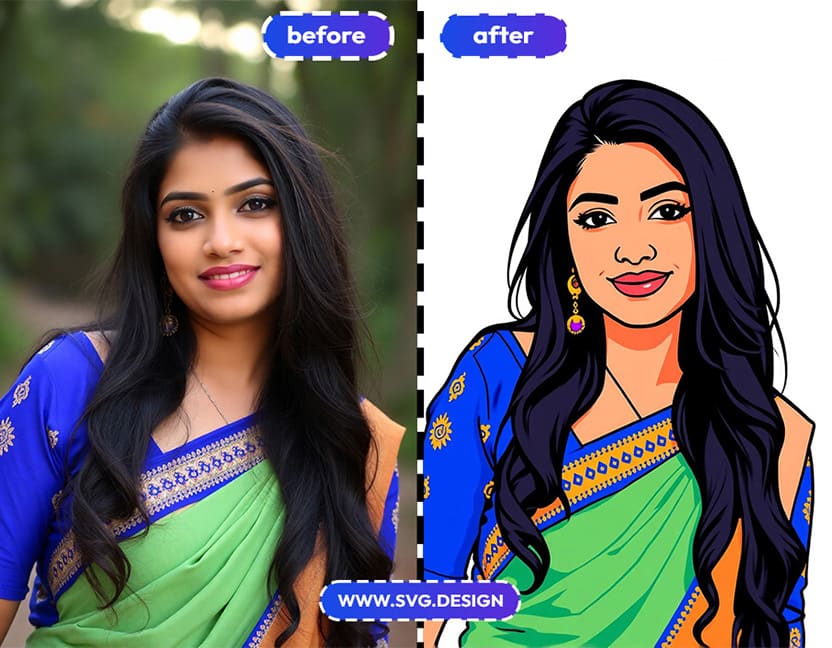
With SVG Design Vectorize, you can go from photo to preview to real SVG in just a few simple steps.
Upload your portrait and Choose a style you like.
Then preview the result in seconds.
And export a true vector file when it looks right.
So whether you’re building a brand, creating content or just having fun with your photos...
This tool gives you an easy way to turn people into art.

About the Author
I'm a vector artist and 3D designer and the founder of SVG.design. I love creating beautiful visuals and sharing what I've learned about design, productivity, and creativity with fellow artists and makers.