Convert Raster Logo to Vector Format Online
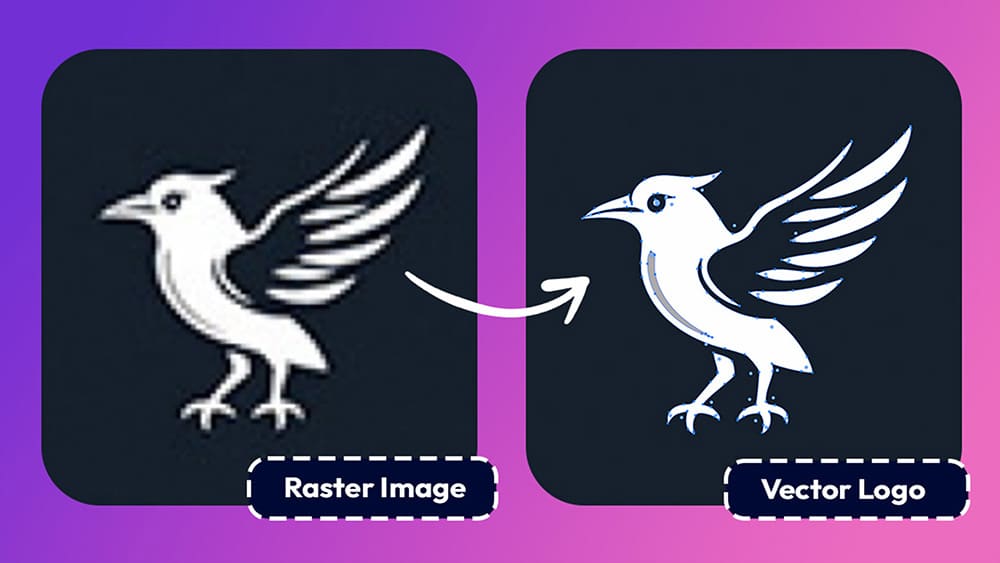
When it comes to graphic design, logos are meant to scale.
They’re supposed to look sharp on a website, a business card or a large billboard.
However, the reality is that many logos still live as small PNGs or JPGs, which quickly fall apart the moment you try to resize them.
That’s exactly why converting a logo to a vector file is such a common need for any designer.
And thanks to modern tools like Vectorize you can now do it online, properly and without technical headaches.
How to Convert a Logo to a Vector Online 👇🏼
First, upload your raster logo file to svg.design/vectorize.
This can be a PNG, JPG, or even a screenshot of a logo that isn’t vector yet.
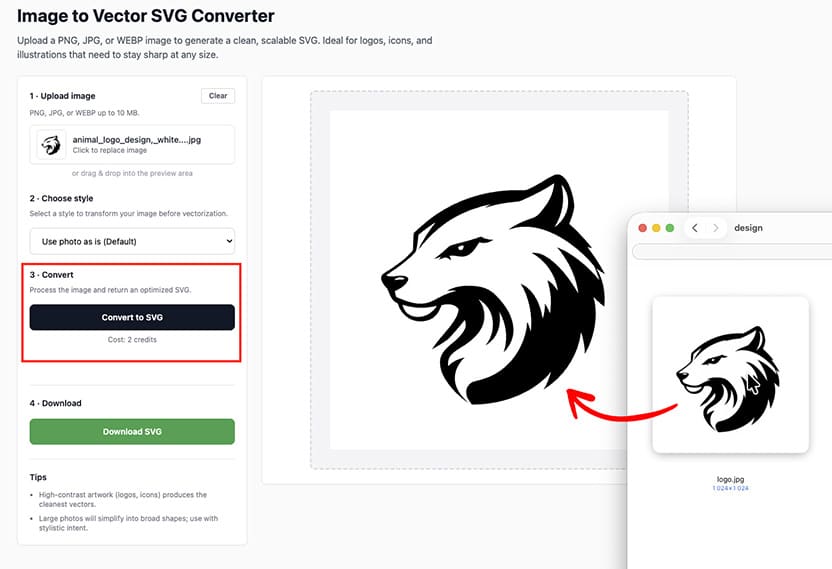
Next convert the logo to a real vector SVG file.
The whole process only take a few seconds to complete.
The result is a fully scalable, editable vector logo that you can open in any vector editing tool, use on websites, or send straight to print.
And if you need even more flexibility, you can convert that SVG into a layered PSD so every shape stays adjustable inside Photoshop (not just Illustrator)
Why Raster Logos Are a Problem ❌
Raster logos work fine… until they don’t.
As soon as you zoom in, edges become blurry, curves lose definition, and colors stop looking clean.
This creates problems for printing, branding and for marketing teams.
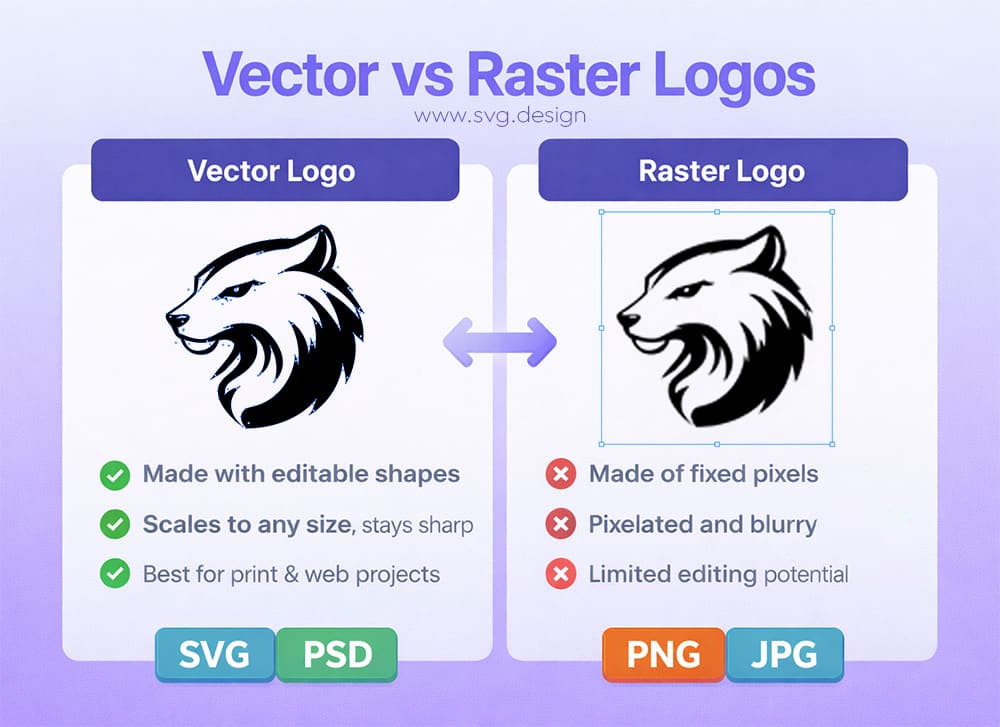
Traditional vector tracing tools try to fix this, but they usually rely on basic edge detection.
As a result, you get messy paths, broken shapes, and files that are technically “vector” but impossible to edit cleanly.
That’s where a smarter approach makes all the difference.
How svg.design Vectorize Is Different ✅
With svg.design/vectorize, you upload your raster logo and let an advanced AI model handle the conversion.
Instead of blindly tracing pixels, the system understands shapes, edges and structure.
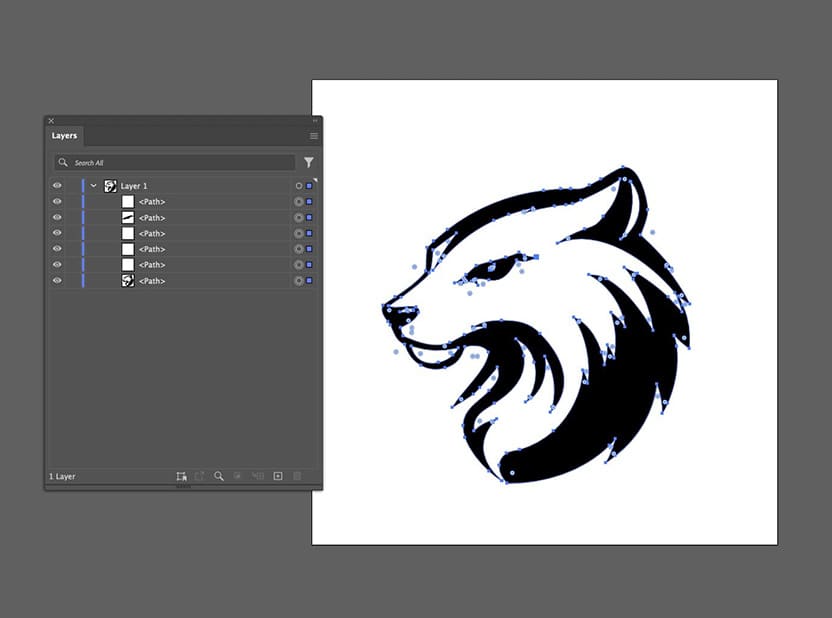
So rather than getting hundreds of random anchor points, you get a real layered vector SVG file.
And the result is something you can actually edit in Illustrator or Figma and also recolor.
Even better, you can preview the vector result before exporting.
This means you stay in control of the final output instead of guessing.
Real Benefits of a Vector Logo 🕵🏼♂️
Once your logo is a true vector file, then everything changes.
You can finally resize it infinitely without losing quality.
You can recolor it instantly for different color schemes.
And you can use it across web, print and even vector animation without recreating anything.
This saves a huge amount of time for designers.
And developers stop asking for “a bigger version of the logo.”
In short, vectors give your logo the flexibility it was always meant to have.
Bonus: Convert Your Logo into an Editable PSD 👩🏻💻
Here’s where things get even more interesting.
After converting your logo to SVG, you can take it one step further using svg.design/convert.
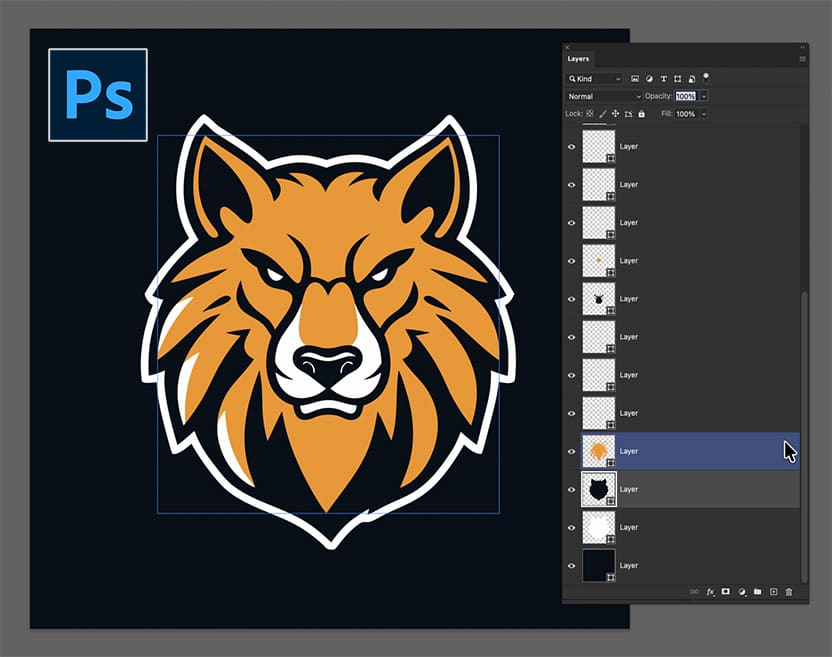
You can also turn your vector logo into a fully editable PSD file too (in addition to SVG)
Each shape becomes a real Photoshop vector path.
Every layer stays clean and adjustable.
This means you don’t need Illustrator in the middle.
This is especially useful if your workflow lives inside Photoshop but you still want full vector control.
When Should You Use This? 🤔
If you received a logo as a PNG or JPEG and need it for print, then this is the solution.
If you’re redesigning a brand and need clean vector assets, it helps immediately.
And if you’re working with legacy logos that were never properly saved, this tool can save hours of manual redrawing.
In other words, whenever you need a logo that actually behaves like a logo, vectorizing it properly is the smartest move.
No More “Can You Send This in Vector?” Emails 👍
Turning a raster logo into a real vector file doesn’t have to involve redrawing, tracing or guessing your way through messy paths.
With svg.design/vectorize, you can upload your logo and convert it into a clean, editable SVG that scales perfectly at any size.
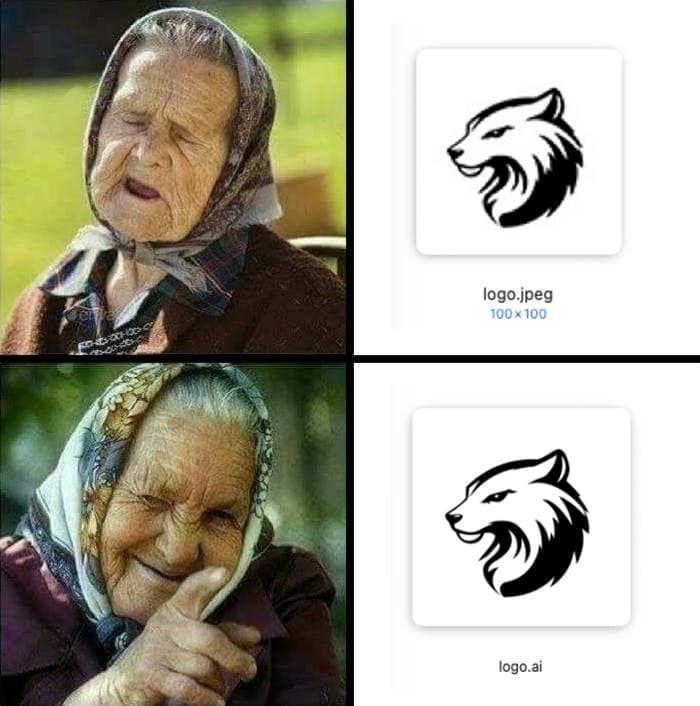
Because the tool uses an advanced AI model (not to confuse .ai file extension with AI :D ) instead of basic tracing, the output is sharper, far more accurate than Illustrator, and much closer to the original design.
As a result, your logo stays crisp, professional, and easy to edit across web, print, and branding projects.
And if your workflow only involves Photoshop, you’re not stuck there either.
You can take that same vector logo and convert it into a layered, fully editable PSD using svg.design/convert and so keeping every shape intact.
Try it Now

About the Author
I'm a vector artist and 3D designer and the founder of SVG.design. I love creating beautiful visuals and sharing what I've learned about design, productivity, and creativity with fellow artists and makers.