Turn Any Photo into Technical CAD Drawing

You probably have a photo right now that you wish looked more technical.
Maybe it’s a product shot, a gadget, a piece of furniture, or even a quick hand drawn sketch.
It looks fine as a photo, but sometimes, you want that clean CAD look instead.
This means straight lines and clear outlined edges.
You know that cool blueprint or engineering vibe.
That’s exactly where the famous Vectorize Tool comes in.
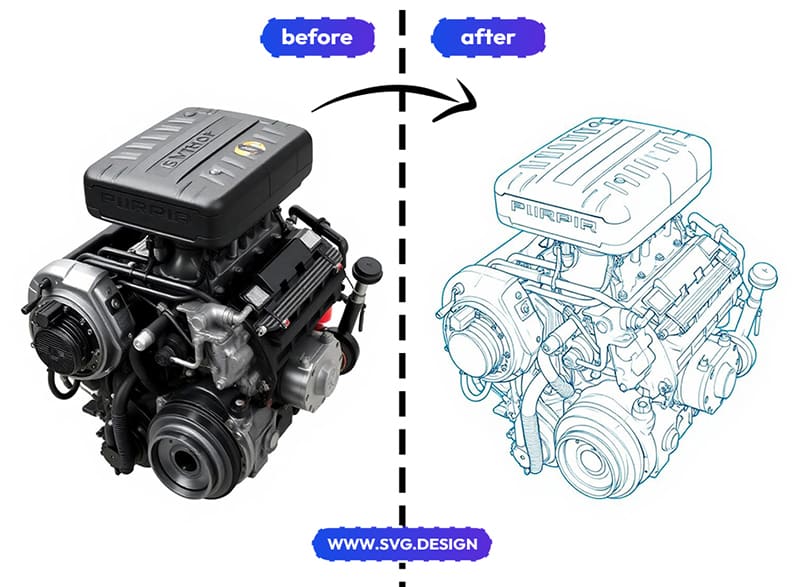
With this tool, you can turn almost any photo into a technical-looking drawing, and then export it as a real SVG vector file you can actually use.
Let me show you what I mean.
How to Turn a Photo into a CAD Drawing 👇🏼
The process is simple and pretty fast.
1) First, go to https://svg.design/vectorize and upload your photo.
It can be a product, an object, a building or any image you want to stylize (even a portrait photo).
2) Next, choose the "Technical Drawing" style that gives that CAD feel.
In a few seconds, you’ll see a preview of your photo turned into a clean drawing.
3) Then, once it looks right to you, convert and export it as a SVG vector file.
Go from photo to technical-style vector in just a few clicks.
Why the CAD-Style Look Is So Popular ✨
There’s something about technical drawings that just feels smart.
They look precise and way more professional than a photo.
And they instantly make things feel more engineered.
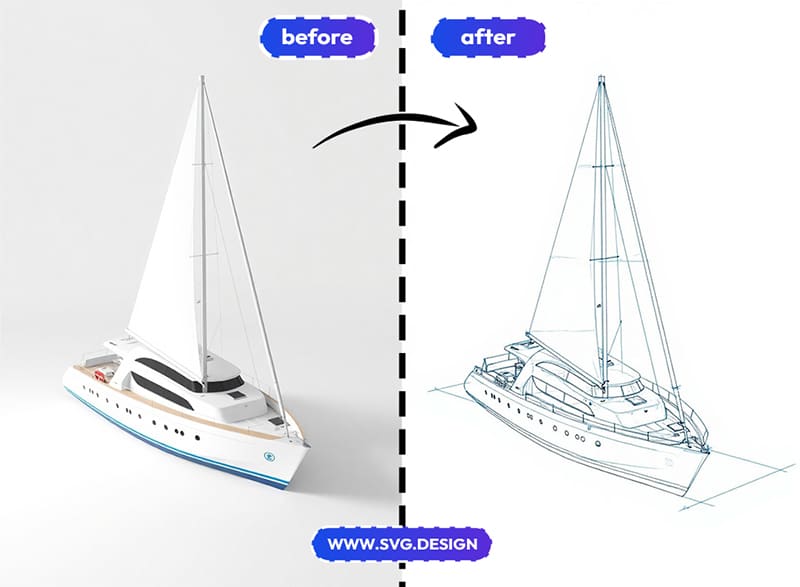
That’s why people love using this style for:
- Product visuals and mockups.
- Concept designs and ideas.
- Instructions and manuals.
- Diagrams for blogs or creative presentations.
- Posters and tech-style art.
- Even minimalist wall prints.
In other words, it’s not just about engineering.
It’s about giving your visuals a clean, structured feel.
What The Vectorize Tool Does:
SVG Design Vectorize is an online tool that converts images into vectors.
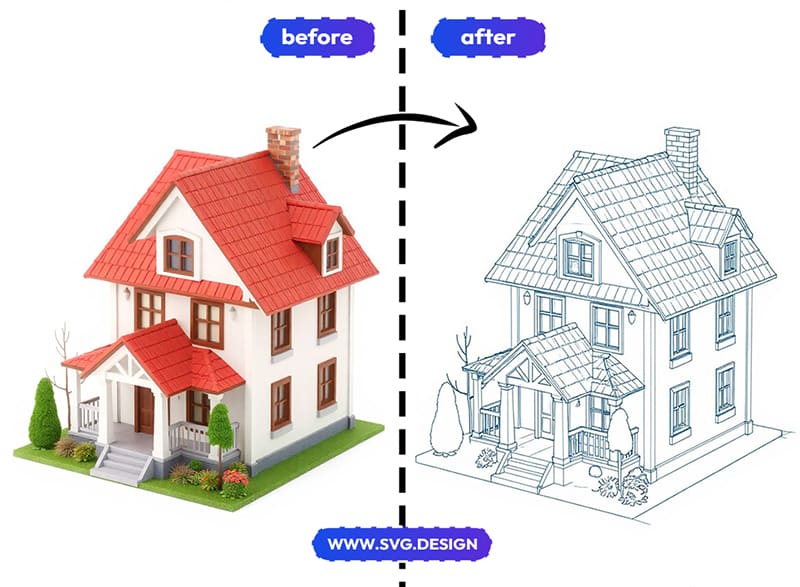
However, instead of just tracing vector outlines, it can turn your photo into different styles, including a technical or CAD-like look.
You simply upload your image and choose a technical drawing style and let the tool generate a preview in seconds.
When you’re happy with the result, then you can easily export it as a real SVG vector file.
Not just a picture that looks technical.
But actual vector paths you can edit, scale, and reuse.
Quick note: this creates a CAD-style visual look, not a true engineering or dimension-accurate technical drawing. It’s perfect for design and creative use, not manufacturing specs or 3D printing.
What Makes This Tool Different 👌
A lot of tools can apply a sketch or outline effect.
But most of them stop there and give you a PNG or JPG.
SVG Design Vectorize goes further.
It actually converts your image into vector paths, which you can edit or recolor.
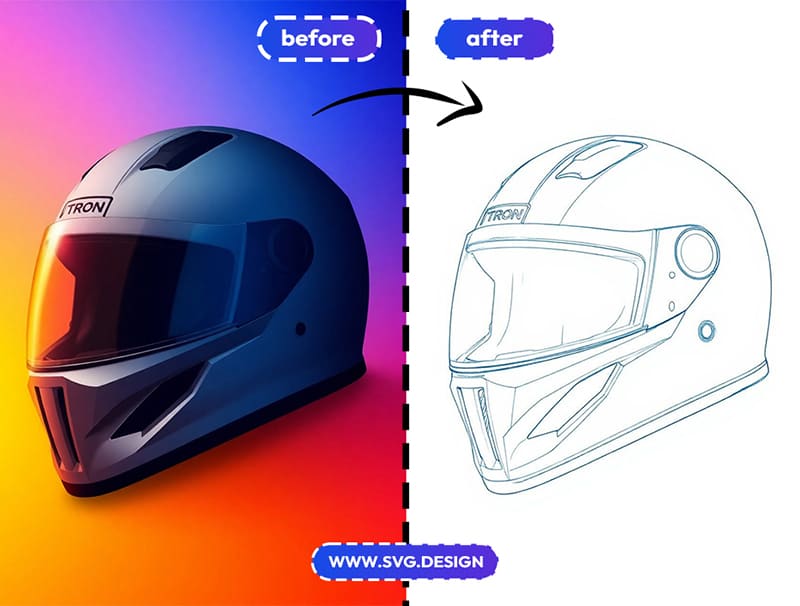
So instead of being stuck with a flat image, you get a file you can:
- Resize without losing quality.
- Edit in any vector editor.
- Recolor or tweak shapes.
- Use for web, print, or layouts.
That’s a big deal if you want flexibility.
When Would I Need to Use This? 🤔
You might be surprised how many ideas this opens up.
🛠️ Product & Concept Design Visuals
Turn product photos into technical-style visuals for mockups, concepts, or early-stage ideas.
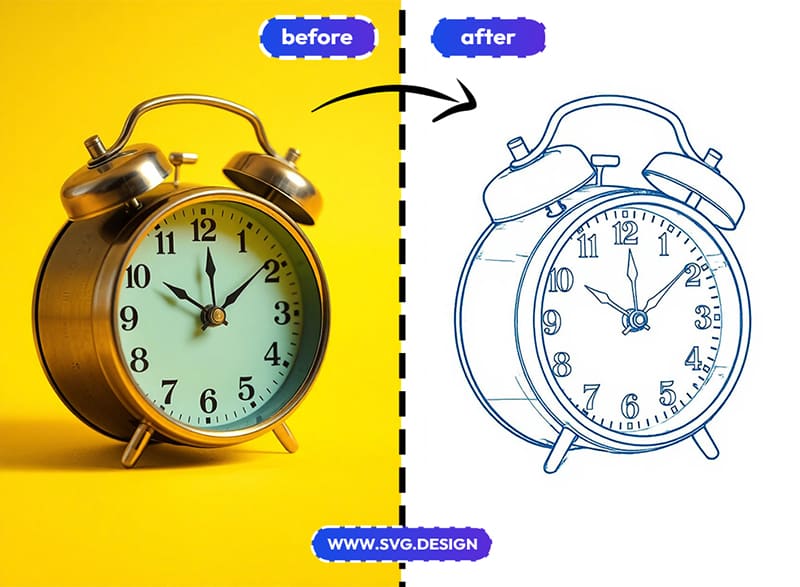
📗 Diagrams & Guides
Create clean drawings for instructions, manuals, or blog posts that explain how something works.
🎨 Posters & Wall Art
Make blueprint-style posters from everyday objects for modern, minimalist decor.
🧑💻 Websites & Presentations
Add CAD-style SVG graphics to pages or slides to give them a smart, engineered look.
🏗️ Architecture & Interiors
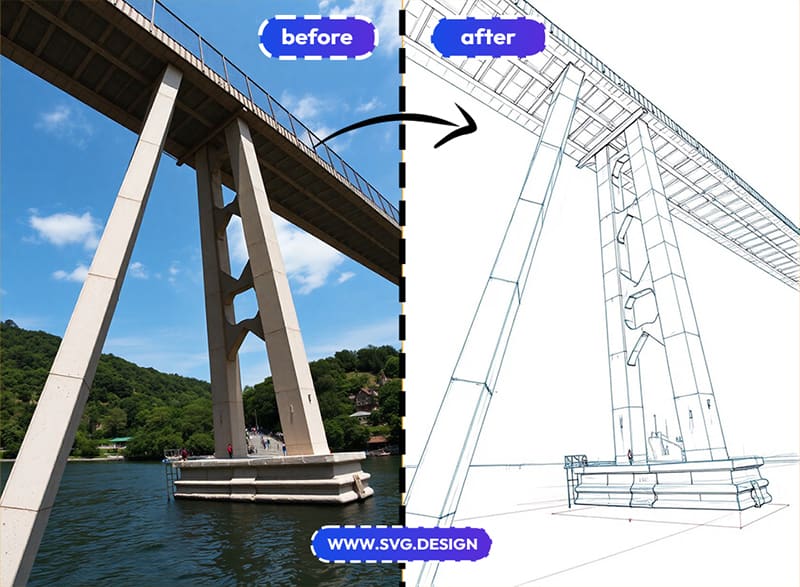
Turn building or room photos into line drawings for concepts and visual storytelling.
🏡 Just for Fun
Honestly, sometimes it’s just fun to see your stuff look like it came out of an engineer’s notebook.
Who Is This For?
If you like clean, structured visuals then this tool is probably for you.
It’s great for:
- Designers and creators.
- Engineers and tech bloggers.
- Product builders and founders.
- Teachers and students.
- Marketers who want a technical vibe.
- And anyone who loves blueprint-style art.
You don’t need CAD skills or Adobe Illustrator.
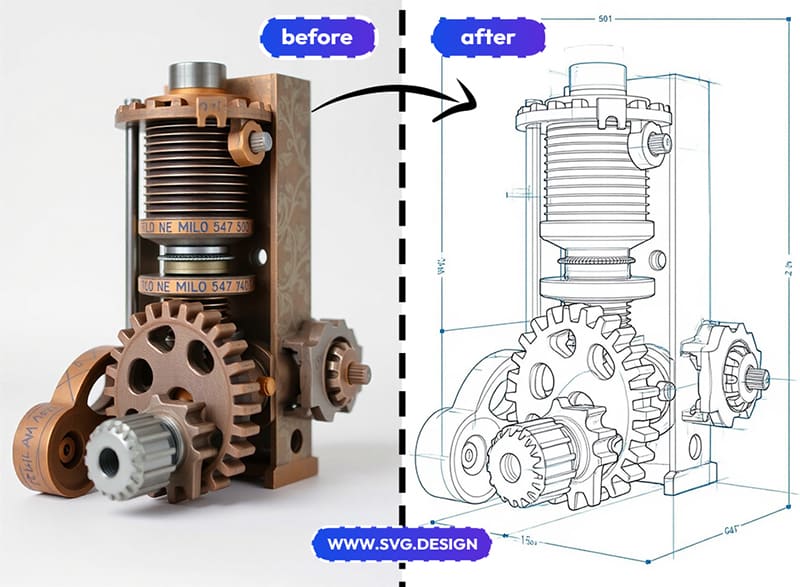
You just need a photo and an idea to turn product photo into a mechanical drawing.
When Photos Become Engineers 📐
Let’s be honest, your coffee mug probably isn’t a machine part.
But when it suddenly looks like a blueprint, then it kind of feels important, doesn’t it?
So go ahead and turn everyday photos into vector art.
Make your visuals look smarter than they probably need to be.
Try it and let your photos live their best engineer life. 🛠️

About the Author
I'm a vector artist and 3D designer and the founder of SVG.design. I love creating beautiful visuals and sharing what I've learned about design, productivity, and creativity with fellow artists and makers.