How to Turn SVG Image Into Code
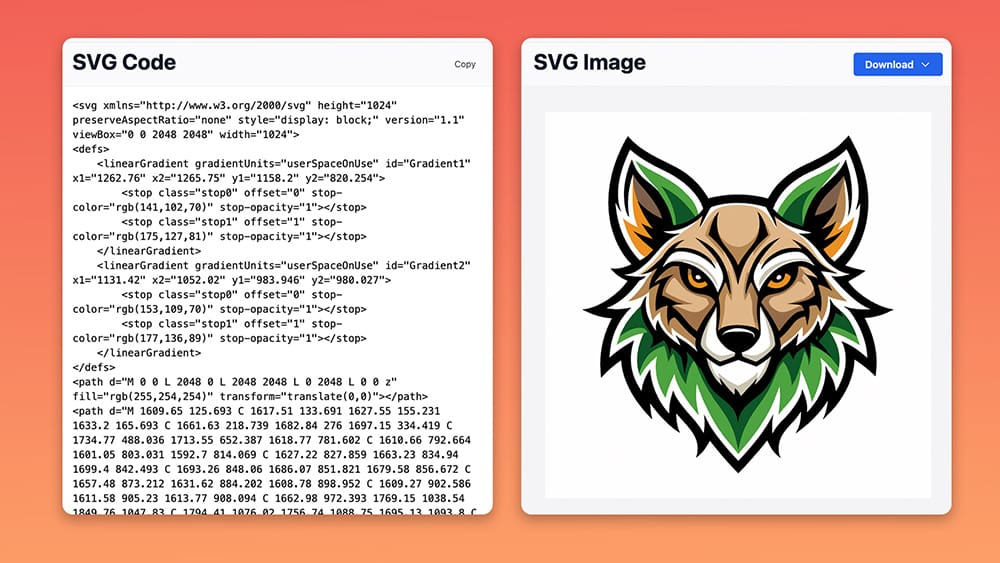
SVGs look like normal images at first, but they’re actually just code.
Every shape is written in XML, so entire image is built from instructions instead of pixels.
And this is exactly why SVGs behave so differently.
They stay sharp at any size because the browser redraws them using the code.
So naturally, turning an SVG into code should be simple.
Yet for some reason, many tools hide the markup or provide code which is not optimized.
Thankfully, that’s where svg.design makes life much easier.
You upload your SVG and instantly see the exact code that powers your graphic.
How the Process Works 👇🏼
First, go to svg.design/code
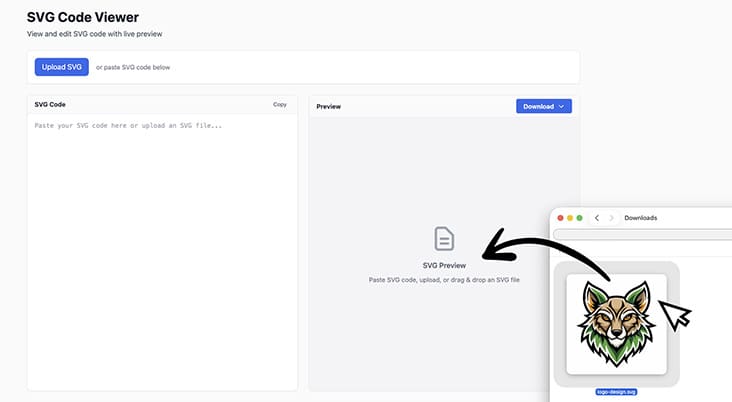
Then upload your SVG image into the tool (or paste your code to view SVG because it works both ways)
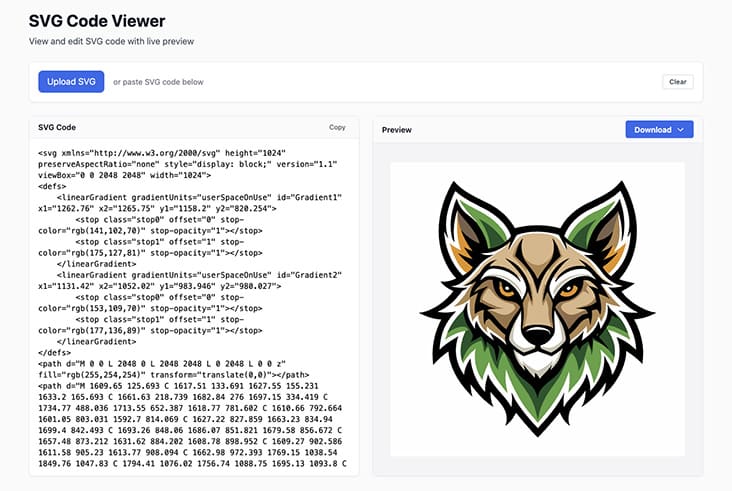
You'll instantly see your SVG displayed, ready-to-copy code on the left.
You can preview (and edit) your code live, which makes it easy to confirm everything looks right.
 If the SVG contains groups, gradients, or multiple paths, the code reflects all of it perfectly.
And if you want cleaner formatting, just hit the use the SVG Optimizer tool.
It tidies up the markup so the SVG becomes even smaller.
After that, copy the code and paste it into your website, app, component or wherever you need it.
Why This Is Useful for Developers and Designers 🤔
Developers always need SVG code for websites and UI components.
And designers need it for handoff and quick design previews.
Anyone building with React, Vue, Svelte, or HTML also needs the raw SVG markup quite often.
Plus, using the code directly means your icons stay sharp on every screen size.
And because SVGs are tiny, then your pages load faster too.
It’s the kind of trick that shaves off much needed kbs of your website loading time time.
 Most Popular Reasons to Convert SVG to Code 👩🏻💻
Embed icons directly into websites.
Inline SVG loads fast and looks crisp everywhere.
Use SVG in React or Vue components.
The markup drops in cleanly with zero extra steps.
Customize icons with CSS.
Code gives you full styling control over the SVG.
Improve website speed performance.
Inline SVG avoids extra network requests.
Prepare assets for animation.
Optimized code makes each path and layer accessible for SVG animations.
Clean up messy files.
The formatter produces neat and readable markup and you can also clean the files manually by removing unwanted SVG elements.
Hand off graphics to developers.
Everyone sees the exact same code.
The Code Awakens...
Turning an SVG into usable markup code is now faster than opening Illustrator.
With svg.design you upload your file and instantly see the clean code powering your graphic.
Then with one click, you copy it straight into your website or app.
No searching for export options and no fighting with panels.
Just quick, clear, ready-to-use SVG code that actually makes sense.

About the Author
I'm a vector artist and 3D designer and the founder of SVG.design. I love creating beautiful visuals and sharing what I've learned about design, productivity, and creativity with fellow artists and makers.