Turn SVG to Editable Photoshop Path [SOLVED]
![Turn SVG to Editable Photoshop Path [SOLVED]](https://blog.svg.design/blog/svg-to-photoshop-path-vector-convert-1765304562322-xd4yig.jpg)
Bringing SVG graphics into Photoshop should be simple, yet most designers know it’s not!
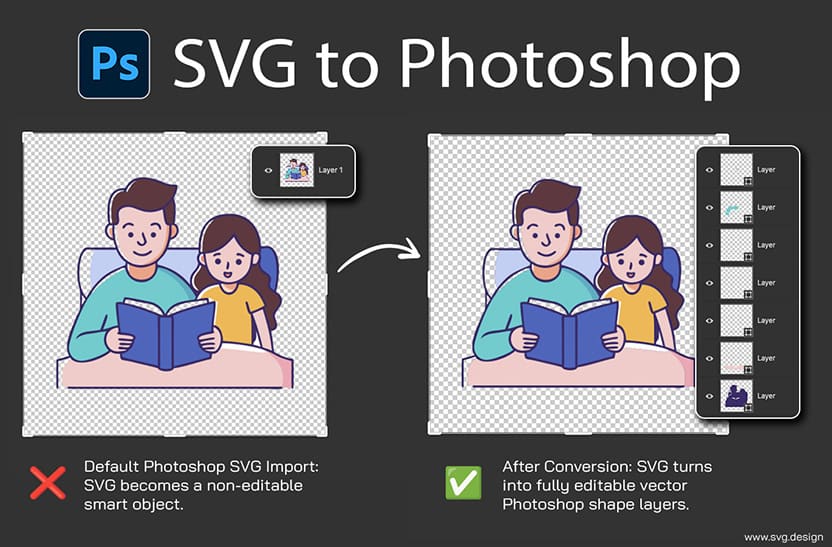
When you import an SVG, Photoshop by default turns it into a raster layer or a smart object...
which means the artwork becomes locked and completely uneditable.
As a result, even the cleanest vector design instantly loses flexibility.
And because Photoshop doesn’t support editable SVG paths natively, Adobe expects you to open the file in Illustrator first.
This workflow is slow, messy and surprisingly outdated for a modern designers.
That’s exactly why the SVG to PSD Converter is a life-saver!
With it, you can turn any SVG into a fully editable Photoshop PSD in just a few seconds.
 How to Edit SVG Paths in Photoshop 👇🏼
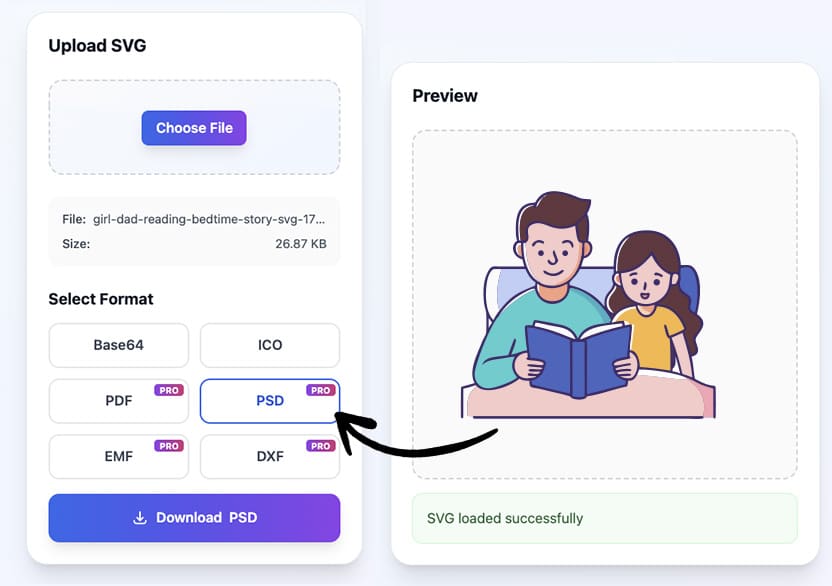
First, upload your file to the SVG to PSD Online Converter.
Then choose PSD as the output format.
After that, simply download the result and open it in Photoshop.
Inside your PSD, you’ll immediately see real vector paths instead of flattened shapes.
Every anchor point is editable and every curve remains crisp.
And every path lives on its own layer so it's ready for precise adjustment.
This means no more pixelation, no more locked smart objects and no more Illustrator needed.
NB: the PSD converter is a premium feature!
Why This Solves a Big Problem 🤯
Photoshop may be the most popular photo tool, but it isn’t designed for SVG editing.
So designers constantly run into the same limitation: the moment an SVG enters Photoshop, the vector data disappears (damn you Adobe :D )
So logos lose sharpness and icons become frozen.
And any attempt to edit SVG artwork forces teams into complicated multi-app workflows.
However, by converting SVGs into editable Photoshop paths instantly, this tool removes all those friction points.
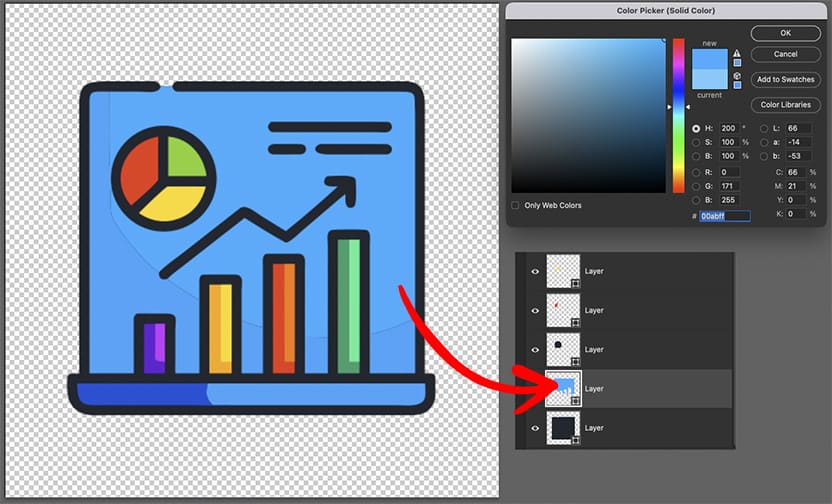
After conversion, you can easily edit an SVG Photoshop, the same way you can in Illustrator.
The process becomes clean, predictable and incredibly fast.
The Benefits You Get with Editable Paths: ✅
- You get editable Photoshop vector paths that behave exactly as they should.
- You get clean, organized PSD shape layers so you can tweak or recolor the SVG.
- You save hours every week because you no longer need Illustrator for path edits.
- You can move, rearrange or remove elements from the SVG .
- Your SVG shapes remain scalable in Photoshop and you can remove the SVG background.
- And your workflow becomes dramatically smoother.
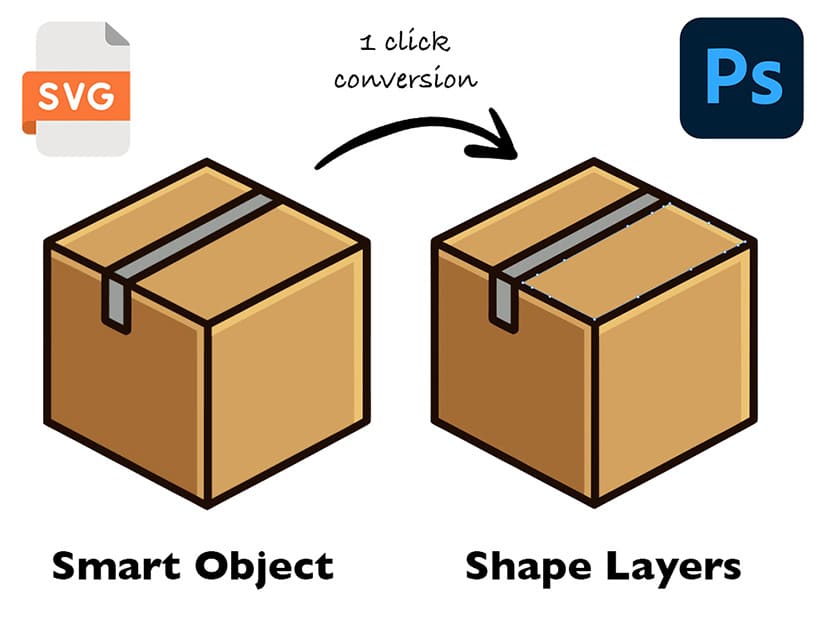 Each layer in the SVG becomes editable shape in Photoshop.
Stop Flattening Your SVGs in Photoshop
Turning SVGs into editable PSD paths no longer needs to be a multi-app process.
With this simple converter, you can move your SVG directly into Photoshop while keeping every anchor point perfectly intact.
As a result, your workflow becomes faster, your files stay editable, and your creativity isn’t slowed down by Adobe apps.
So if you’re ready to work smarter and keep your vectors truly editable, try the SVG-to-PSD conversion on svg.design/convert .
It’s quick, accurate, and designed to give you complete control inside Photoshop.
You receive the same SVG file but 1:1 in PSD format.

About the Author
I'm a vector artist and 3D designer and the founder of SVG.design. I love creating beautiful visuals and sharing what I've learned about design, productivity, and creativity with fellow artists and makers.