SVG to Blender Mesh Converter
Working with SVGs in Blender should be easy...
but anyone who has tried importing one knows the struggle!
Blender can bring SVGs in as curves, but turning those curves into a 3D mesh is a whole separate battle.
You end up extruding manually, converting to mesh, fixing topology and separating shapes.
It works… but for a beginner, it’s painfully slow, inconsistent, and not fun when you just want a quick 3D scene.
That’s why the SVG to 3D tool is such a powerful shortcut.
You simply upload your SVG and instantly get a 3D geometry which you can bring straight into Blender.
No manual tracing, no messy curve conversion and no guesswork.
How to Import SVG to Blender (Old Way) 🤦♂️
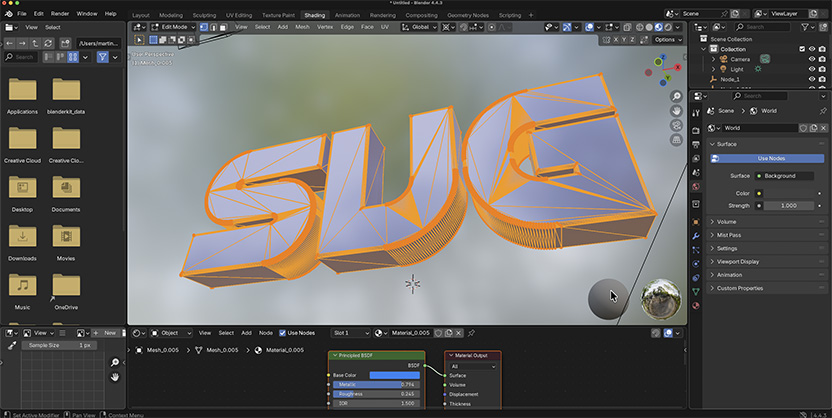
Any old Blender guru will probably use the same old method:
- Import SVG from the Blender File menu
- go the Data - Geometry tab and increase Extrude value
- Increase Bevel depth below that if needed
- then right click on the object and select Convert to - Mesh
That's how you do it natively in Blender.
This is Much Faster (New) 👇🏼
Here's a much faster shortcut:
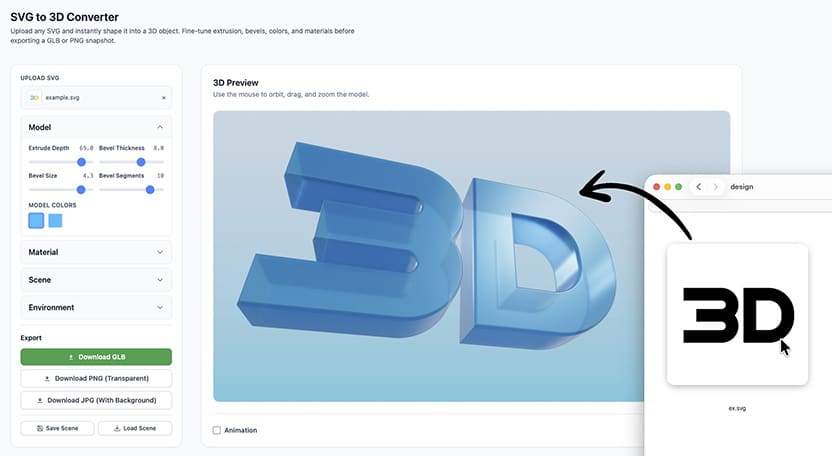
Upload your vector file to SVG to 3D Converter
It instantly converts each vector shape into a solid GLB 3D model.
You can then tweak depth, thickness, bevels, and even assign colors to individual shapes.
Once everything looks good, download the model and import it into Blender.
And every part of your design arrives ready for shading, animation, or further modeling.
Why This Solves a Real Problem ✅
Blender does support SVG, but not in a way that immediately gives you usable 3D assets.
You have to do the extrusion and bevel yourself, which introduces a lot of friction for simple shapes, logos, icons, UI assets, or motion graphics.
With this tool, that entire workflow collapses into one step.
It treats SVGs like real 3D building blocks, not just flat curves.
This means you can skip straight to lighting, animation or rendering.
Or for simple 3D scenes, you can skip Blender altogether.
For logo reveals, product mockups, stylized icons, abstract animations, or even game assets, this conversion method is fast, clean, and reliable.
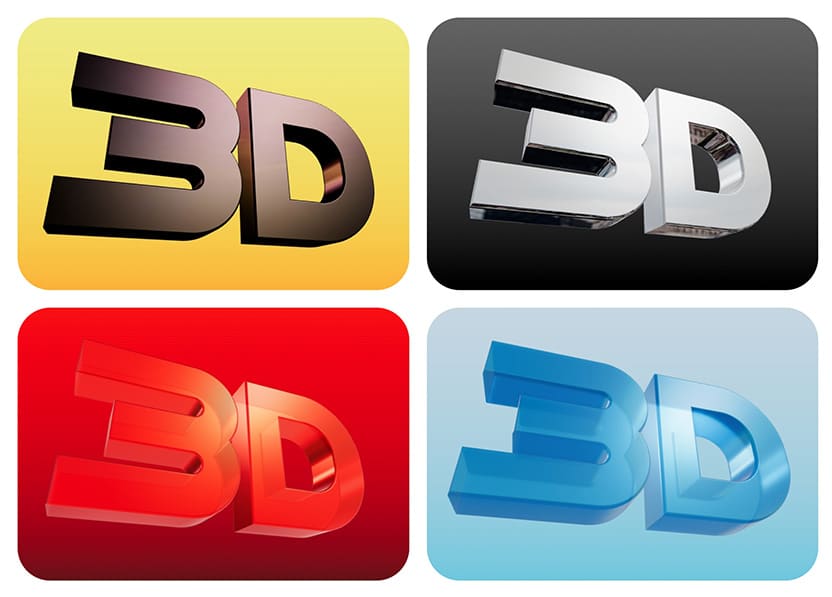
What You Can Use This For 👇🏼
- Make 3D animated logos from flat vectors.
- Create motion graphics and title screens.
- Do stylized icons used as props in Blender scenes.
- Create abstract shapes for background animation videos.
- Create powerful 3D texts and titles.
- Generate Game-ready meshes after export.
Anything that starts as a flat design can become a real 3D object in a second.
Modeling From Scratch Is Overrated...
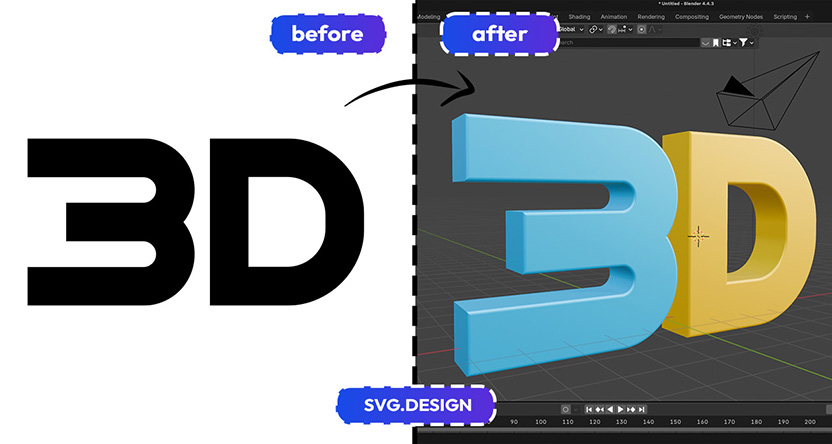
Turning an SVG into a Blender mesh doesn’t have to be scary.
Beginners often get stuck on curve settings, modifiers and cleanup.
But this converter simplifies everything.
Upload your SVG, Convert it and Import it into Blender as a clean mesh... Done.
No endless tweaking and no confusing modifiers.
Just go from a flat vector to 3D geometry.
It’s the perfect jump-start for anyone new to Blender who wants results without the headache.

About the Author
I'm a vector artist and 3D designer and the founder of SVG.design. I love creating beautiful visuals and sharing what I've learned about design, productivity, and creativity with fellow artists and makers.