How to Remove SVG Background
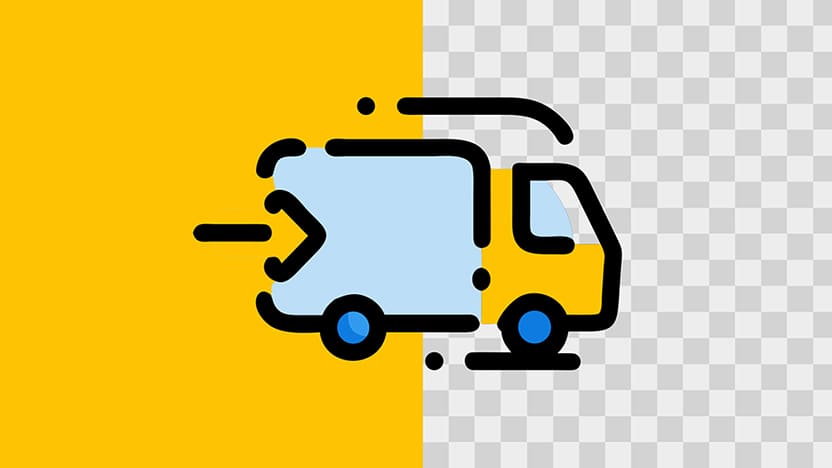
Whoever keeps adding backgrounds to SVG files should be jailed 😡
Okay… fine… I’ve done it myself, but still the pain is real.
You download an icon and suddenly there's a colored rectangle behind it.
And when you try removing it, then everything breaks or shifts or disappears.
But thankfully, deleting an SVG background doesn’t have to be a full crime scene investigation.
With svg.design/editor it’s literally a one-click task.
Click the background and delete it.
Move on with your life like a winner...
How the Process Works 👇🏼
First, open svg.design/editor right in your browser.
It loads instantly and doesn’t require any installation.
Then upload your SVG file, and the full graphic shows up on the canvas.
Look for the background layer, which is usually a big rectangle behind the design.
Click it once, and you'll see it highlight clearly.
 Then simply press on your keyboard or hit the trash icon.
Boom.... the background layer is gone instantly.
But what if you don’t want to delete it completely?
You can also click the background and change the color instead.
The editor updates everything in real time, which makes testing colors much easier.
And if your SVG has multiple background shapes, just select them one by one and remove them in seconds.
SVG Background Removal Made Easy ✅
Illustrator can handle SVGs, but it often feels like you're navigating a ton of layers.
Trying to find the actual background shape can take longer than removing it.
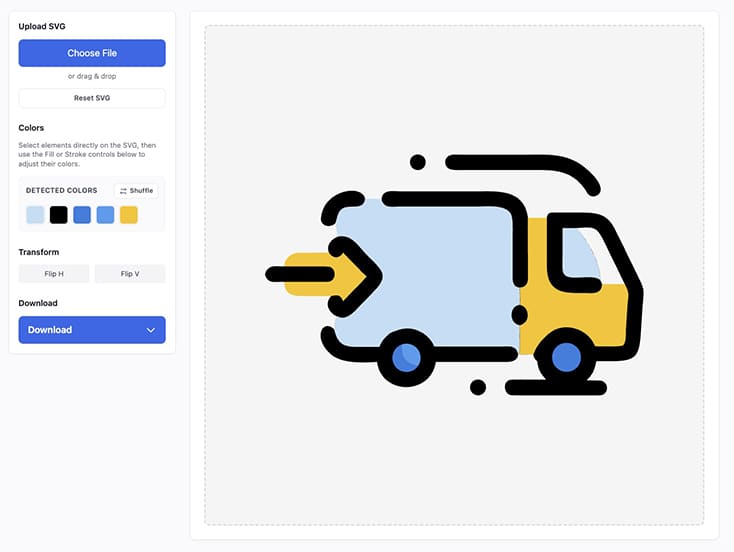 Sometimes it’s hidden inside groups and sometimes it's locked 🔒
It’s exhausting...
svg.design removes all that stress.
You click the shape and delete the SVG element you want.
That’s the whole process.
Just simple, clean SVG bg removal that works exactly as expected.
Why Should I Remove the SVG Background?
Create transparent logos.
A clean and background-free SVG looks great on any website or graphic.
Match UI themes.
Removing the background helps icons blend smoothly with your design system. If you're a vector expert, you can also use the SVG code editor, but removing the background visually is much easier.
Prepare assets for animation.
A transparent SVG keeps movement clean and flexible.
Fix AI generated SVG packs.
Many AI generated vector SVGs come with random colored rectangles you don’t want.
Make icons lighter.
Removing background shapes makes your SVG load faster.
Tip: don't forget to optimize your SVG files.
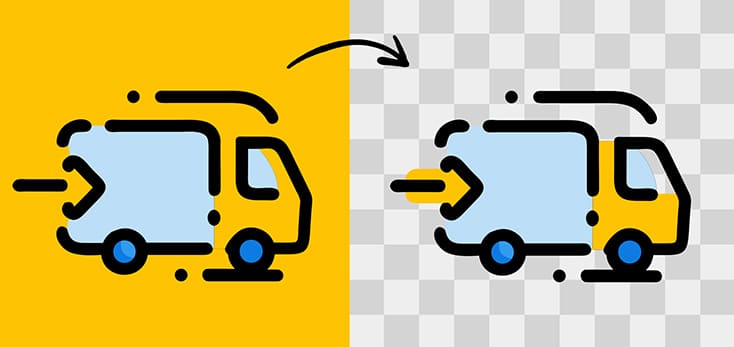 Bye Bye Background Rectangle 👋
SVG backgrounds (just rectangles actually) often cause drama, but you don’t have to keep suffering.
And surprisingly removing backgrounds is actually way easier than most people expect.
Once you click that background layer in svg.design/editor
Then with one more click and it disappears instantly.
No more “why did my whole design vanish?” moment.
Plus, you get a clean, transparent SVG that works everywhere.

About the Author
I'm a vector artist and 3D designer and the founder of SVG.design. I love creating beautiful visuals and sharing what I've learned about design, productivity, and creativity with fellow artists and makers.