Turn Any Photo into Laser Cut File

Laser cutting is all about precision.
The machine doesn’t understand photos, because it needs clean vector paths.
The problem is that most designs start as images or photos, not vectors.
And turning them into proper cut files usually takes time, skills or special tracing software.
That’s exactly what this tool helps with.
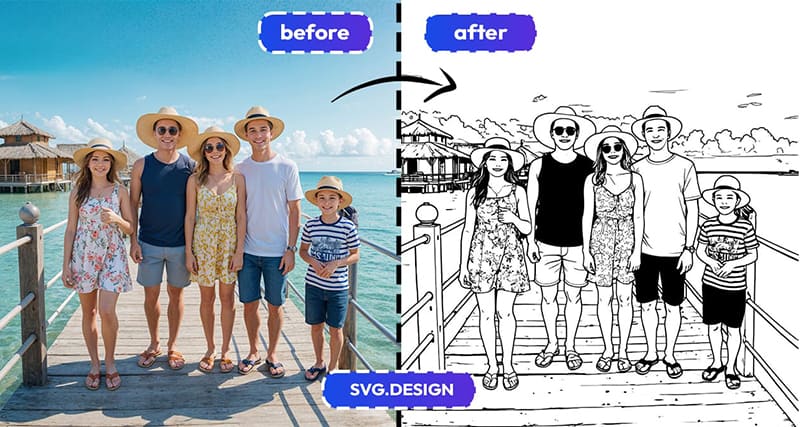
With Vectorize Tool, you can turn almost any photo into a laser cut style design, preview it in seconds, and then convert it into a real SVG or DXF vector file ready for cutting.
What SVG Design Vectorize Does ✅
Vectorize is an online tool that converts images into vectors.
It also comes with many special styles, including a laser cut image style made for clean, cut-friendly designs.
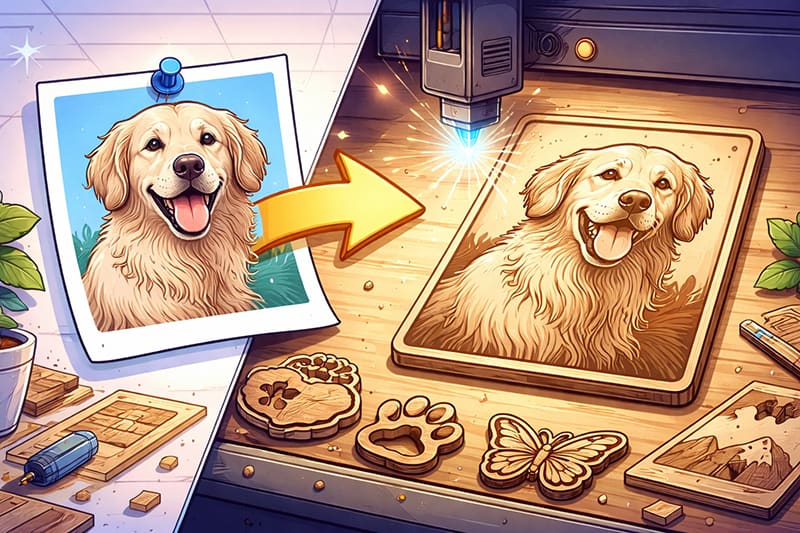
You simply upload your photo and the tool transforms it into a design that looks ready for cutting.
First, you get a preview, but when you’re satisfied with the image, you convert it into a real SVG vector file.
And if your machine prefers DXF, you can easily convert the SVG into DXF as well.
So you’re not just getting a look.
You’re getting a file you can actually use for printing.
How to Turn a Photo into a Laser Cut File 👇🏼
The process is quick and straightforward.
First, go to https://svg.design/vectorize and upload your photo.
This can be:
- A family or portrait photo.
- A logo or sign.
- A product image.
- A symbol or icon.
- A drawing or sketch.
Next, choose the laser cut style from the styles list.
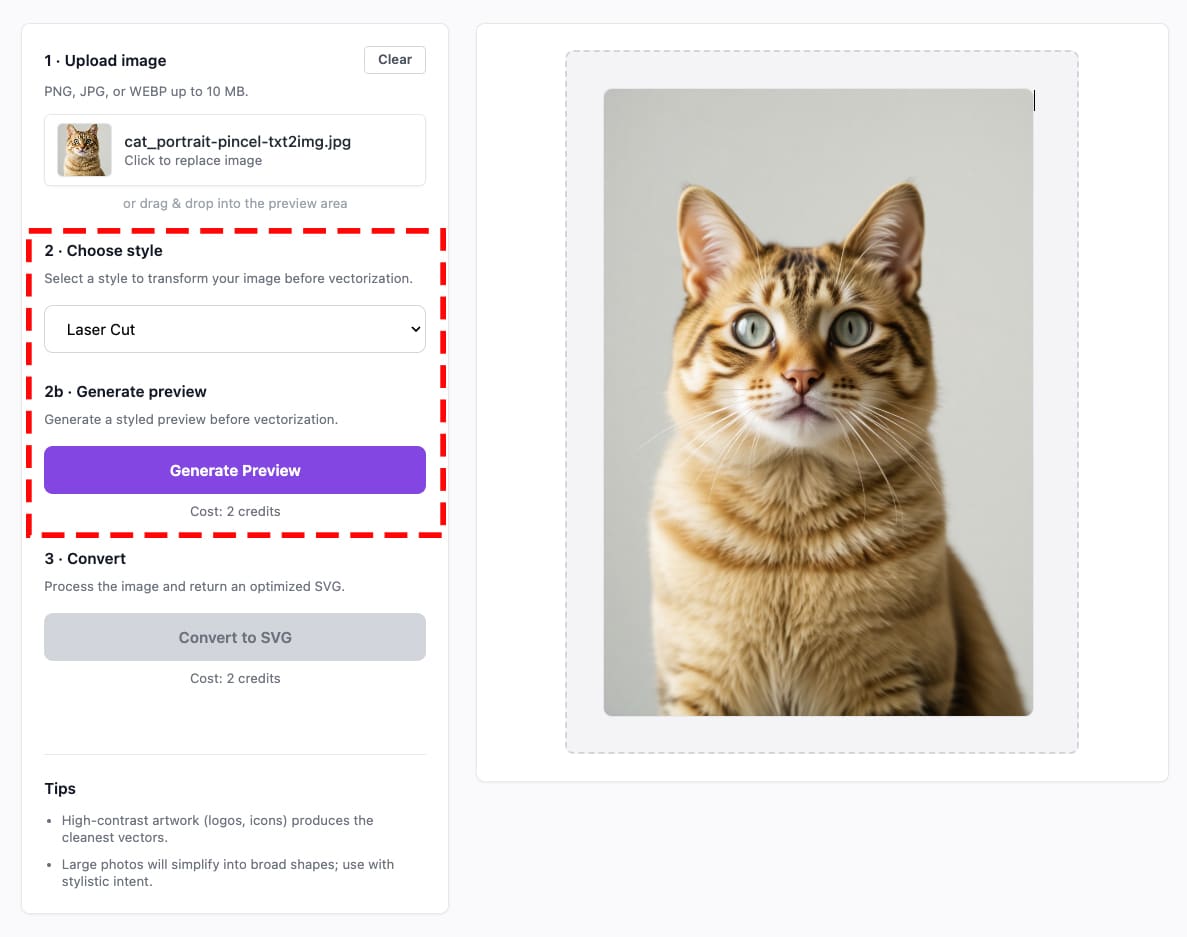
In just a few seconds, you’ll see a preview of how your photo looks as a laser cut design.
This step is great, because you can see the result before committing to the vector.
Once it looks right, convert it into a real SVG vector file.
And if needed, use the convert option to export it as DXF for your laser cutter software.
From photo to cut-ready vector in minutes.
What Makes This Tool Special ✨
Many tools can stylize images.
But most of them stop at an image output.
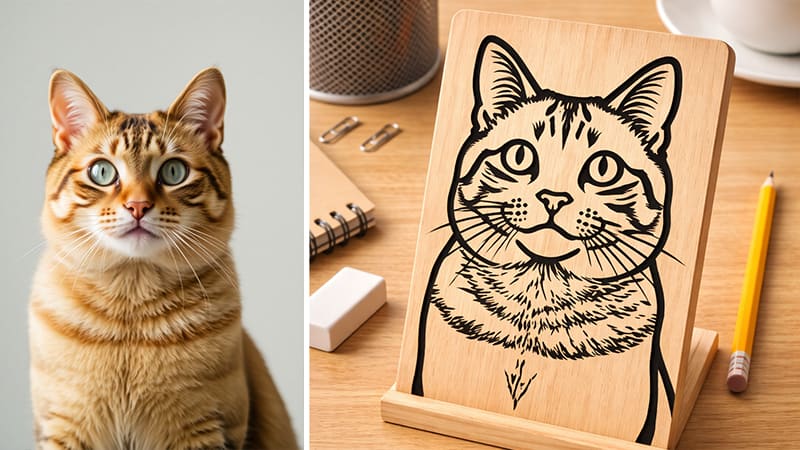
The Vectorize Tool goes further, because it turns your design into actual vector paths, which means your file is:
- Clean, scalable with editable paths,
- Ready for recoloring if needed.
- Ready for cutting, not just viewing.
So instead of manually tracing shapes, you let the tool do the heavy lifting.
And you stay focused on making things.
Who Is This For? 🤔
This workflow is perfect if you are:
🔥 Makers & DIY Fans
Turn ideas and photos into real projects for wood, acrylic or leather.
🪵 Woodworkers & Crafters
Create decorative pieces, signs, and gifts without drawing everything by hand.
🏭 Small Business Owners
Make custom products fast, from logos to personalized designs.
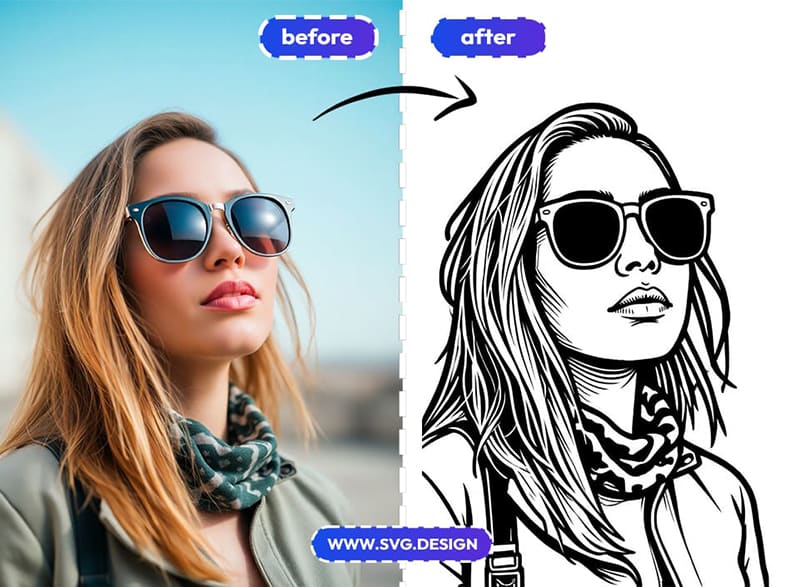
👨🎨 Designers
Quickly prototype laser cut concepts and refine them as vectors.
🏫 Teachers & Students
Use it for school projects, workshops or learning how laser cutting works.
🏡 Anyone with a Laser Cutter
If you have access to a laser cutter at home or in a makerspace, this makes getting started much easier.
If you can imagine cutting it, then this tool can help you design it.
The Big Benefits 👌
Here’s what you really get:
⚡ Fast Workflow
Upload, preview, and convert in seconds.
🎯 Laser Cut Ready Style
Designed to create clean shapes that work well for cutting.
🖼️ Real Vector Output
Get true SVG files, not just raster images.
🔄 DXF Conversion
Easily export to DXF for machines and software that need it.
💡 No Special Skills Needed
No tracing and no complex CAD tools.
Just a simple online workflow.
In Laser We Trust 💥
Turning photos into laser cut files doesn’t have to be hard.
With the Vectorize Tool, you can go from image to laser cut style preview to real SVG or DXF vector in just a few simple clicks.
Upload your photo, choose the laser cut style.
Then convert to vector when it looks right.
Simple and Practical, and made for creating real things.

About the Author
I'm a vector artist and 3D designer and the founder of SVG.design. I love creating beautiful visuals and sharing what I've learned about design, productivity, and creativity with fellow artists and makers.