Best Online Image Trace Illustrator Alternative
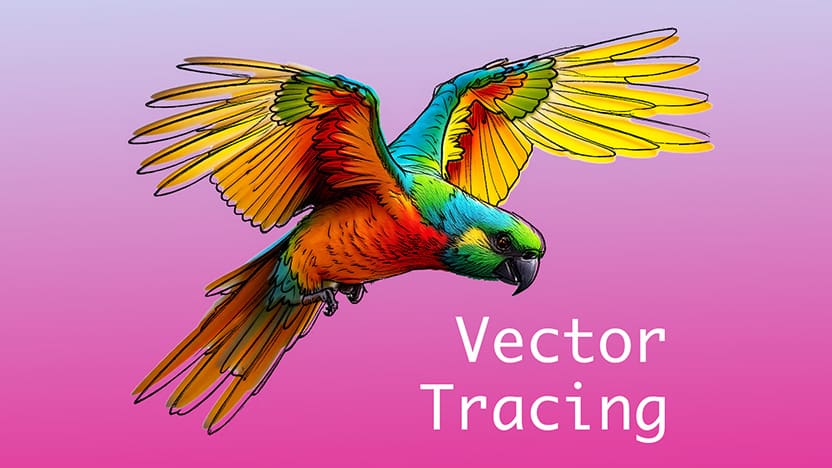
Funny how a simple image trace in Illustrator can turn into mission impossible.
One moment you think it’ll take five seconds,
but the next moment Illustrator opens sixty panels and freezes while loading Creative Cloud...
But thankfully, turning an image into a clean SVG doesn’t have to feel like that anymore.
Because you can do it instantly using an online image tracer.
Just upload your image into the vectorize tool and let the algorithm and convert it automatically.
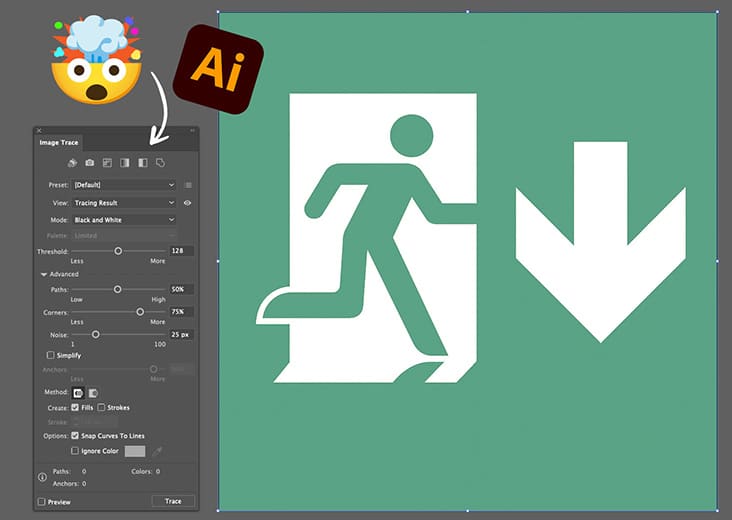 With svg.design you don’t deal with settings or scroll through menus like Illustrator (overkill)
You just wait a couple seconds and download your new SVG.
And it actually makes image tracing feel fun again.
How Image Tracing Online Works 👇🏼
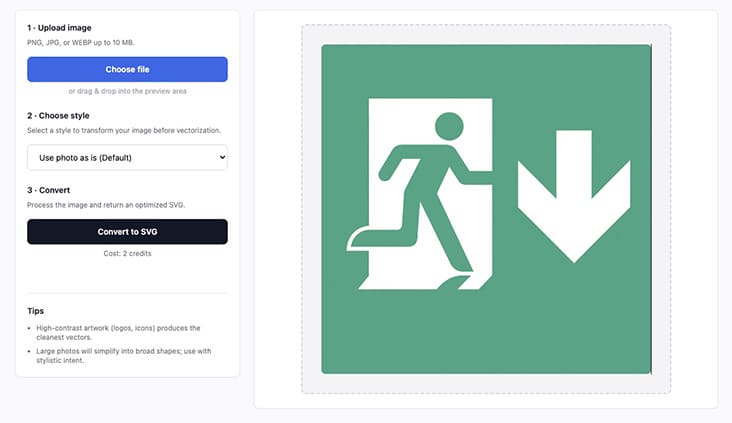
Head over to svg.design/vectorize and drop in your image.
Then choose how you want to convert it.
You can keep the image exactly as it is for a clean and default vector conversion.
Or you can pick from different styles if you want something more creative.
 There are options like , artistic style, blueprint, coloring page, and more.
Each style transforms your photo into a different type of vector style preview first.
After choosing your style, click Create Preview.
In just a few seconds, the preview version appears.
When you're happy with the result, generate the vector from that version instantly.
No complicated tracing settings and just a clean, ready-to-use vector SVG file.
Why It’s Easier and Faster Than Illustrator 👍
Illustrator is powerful, but sometimes power slows you down.
There are too many choices and too many settings for a simple simple image trace.
Too many places to click before you even start the tracing process.
svg.design gives you the opposite experience.
Fewer steps with fewer decisions and a more clean traced image.
Fewer chances to mess something up.
And since svg.design works online, then you can use it on any device.
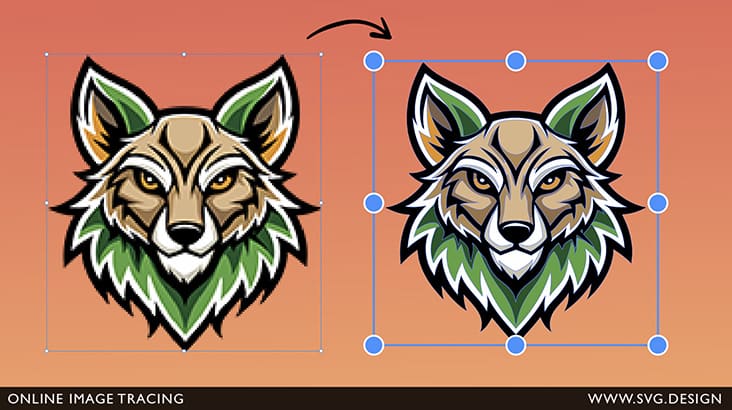 This means you can trace images on any computer or mobile that can run a browser.
Try loading Illustrator on a school laptop or old office PC and you’ll see the difference instantly.
Plus, you get free credits for testing, so you can try vectorizing multiple images without paying anything upfront.
It’s perfect for quick projects and one-off conversions without needing Illustrator Image Tracer.
When Do I Need an Image Tracer? 🤔
Convert logos from PNG to SVG.
Perfect when a client sends you the wrong file format 🤦♂️
Make vector artwork which is printable at any size.
Because vector files scale without losing quality, but also need to be checked before printing.
Clean up low-resolution graphics.
Tracing turns blurry images into sharp lines.
Prepare assets for merch or stickers.
Print shops mostly prefer vector format.
Turn sketches into digital art.
Take a photo of a drawing and convert it instantly to vector format.
Create icons or UI assets.
SVGs load fast and look crisp on all screens.
What Is “Image Tracing” Anyway?
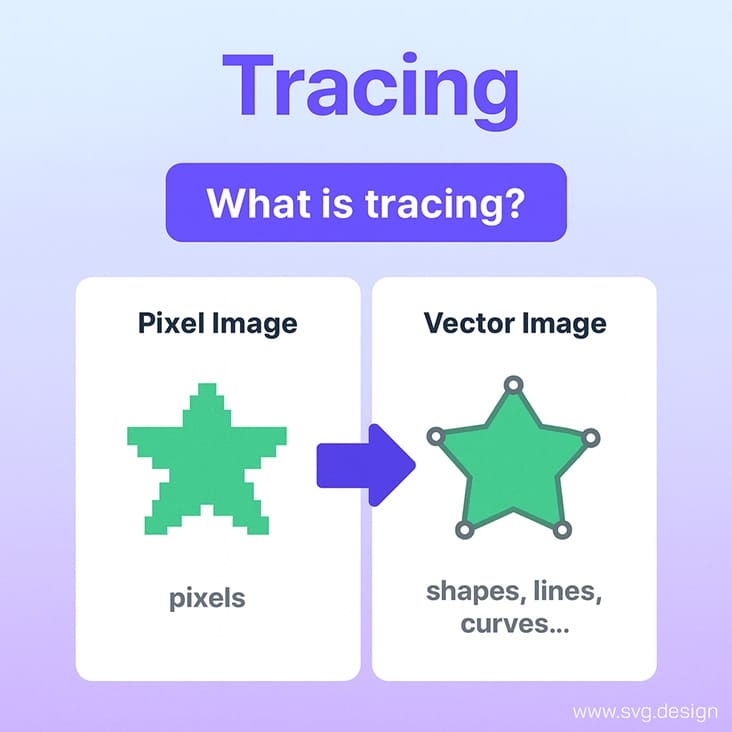 Tracing is basically the process of converting a pixel image into math.
Your PNG or JPG is made of tiny squares called pixels.
But a vector image uses shapes, lines and curves instead.
So when you “trace” an image, the tool redraws it using paths instead of pixels.
That’s why the final result scales forever without getting blurry.
It’s like turning a rough sketch into a clean digital blueprint automatically.
Classical tools like Illustrator or even Figma are too complicated for basic users, so svg.design is the most user-friendly alternative.
 No More Tracing Trauma 🚑
It’s wild how something as simple as tracing an image turns into an obstacle course inside Illustrator.
But thankfully, svg.design makes all that complexity feel kind of ridiculous.
Because instead of diving into a maze of menus, you simply upload your image.
Then, with one quick click, you convert it instantly.
And just like that, your clean SVG appears in seconds.
Just smooth, fast and predictable vectorizing that works every single time.
Honestly, once you try svg.design, you may never open Illustrator for tracing again!

About the Author
I'm a vector artist and 3D designer and the founder of SVG.design. I love creating beautiful visuals and sharing what I've learned about design, productivity, and creativity with fellow artists and makers.