Convert a Photo to Hand Drawing Online
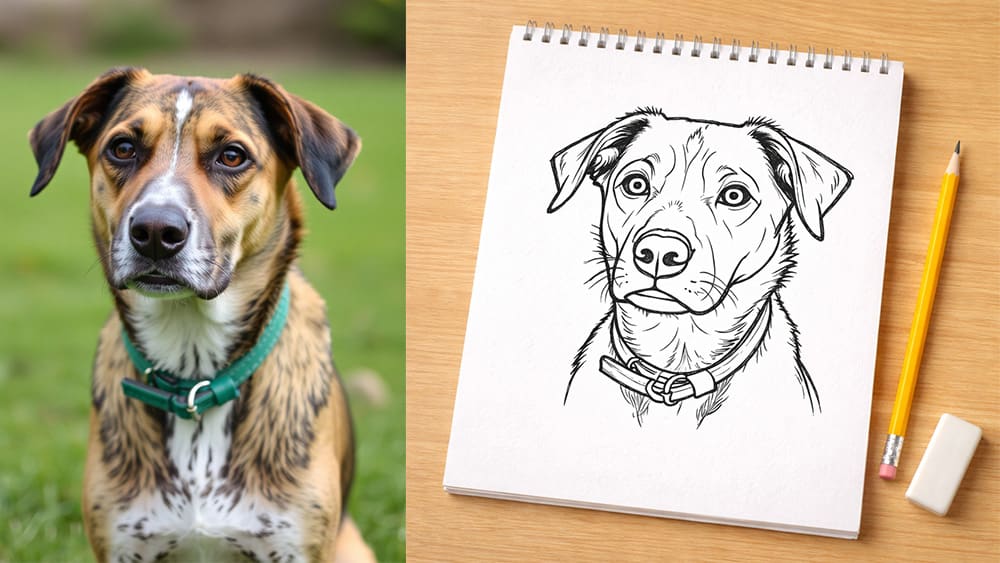
There’s something special about hand drawn images.
They feel like they came straight from a notebook.
They remind us of old school doodles, quick sketches and ideas drawn on napkins.
In fact, even a simple line drawing can make people stop and look, because it feels personal and imperfect in a good way.
That’s exactly why hand-drawn visuals are back everywhere again.
From startup websites, to modern brands, to social media posts that want to feel more human.
I’ll show you how to turn your images into beautiful hand drawings, and then convert them into real, editable SVG vectors you can use anywhere.
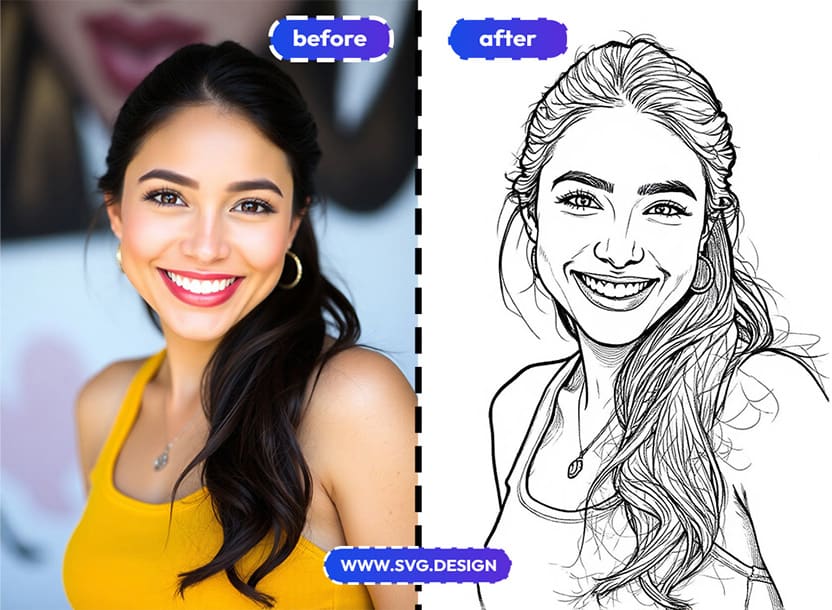 How to Turn Any Image into a Hand Drawing 👇🏼
Turning your image into a hand-drawn sketch is quick and simple.
1) First, go to https://svg.design/vectorize and upload your image.
It can be a photo, a logo,or any graphic you want to convert.
Next, choose the hand-drawn style from the list.
If you want more control, you can also try other styles or write a custom prompt to describe your own look.
Then, simply wait just a few seconds for the conversion.
2) You’ll see a live preview of your sketch almost right away.
This makes it easy to tweak until it looks right.
3) Finally, convert the result into a real SVG vector file.
Now your hand drawing is ready for scaling, vector editing and ready to use in any design tool.
That’s it, just four simple steps.
From image to hand drawing to vector, in seconds.
What Makes This Tool Different ✅
Many tools can apply a sketch effect to an image.
However, most of them stop at a simple raster output.
SVG Design Vectorize goes one big step further.
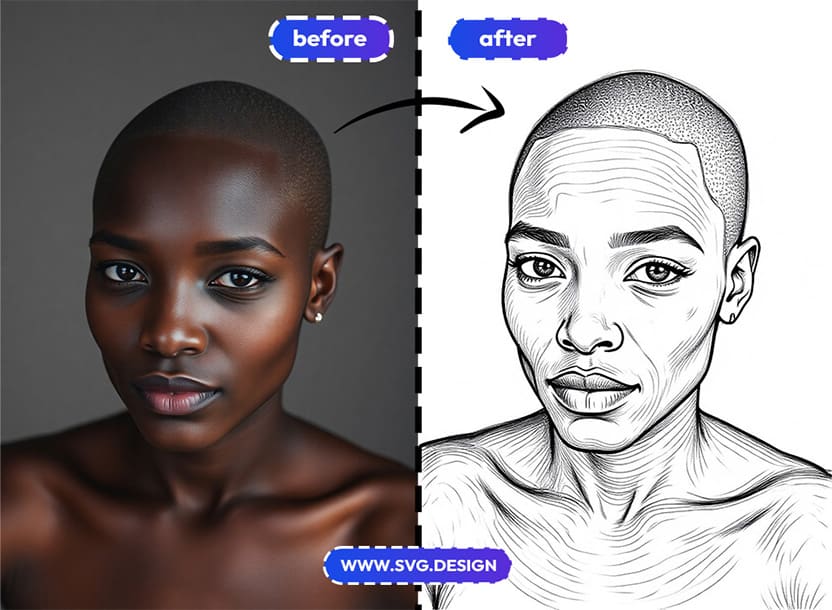
It doesn’t just stylize your image, but actually converts it into clean vector paths.
So instead of a flat picture, you get a design asset you can truly work with.
That means you can:
- Edit lines and shapes.
- Change colors.
- Animate elements.
- Or reuse the SVG across multiple projects.
In short, you’re not locked into one result.
Who Should Use Hand Drawings? 🤔
🎨 Designers
Because you can quickly generate hand-drawn illustrations and then refine them inside your favorite design software.
🏡 Parents & Home Use
If you’re using it at home, you can turn family photos, pets, or favorite characters into fun coloring pages in just a few clicks.
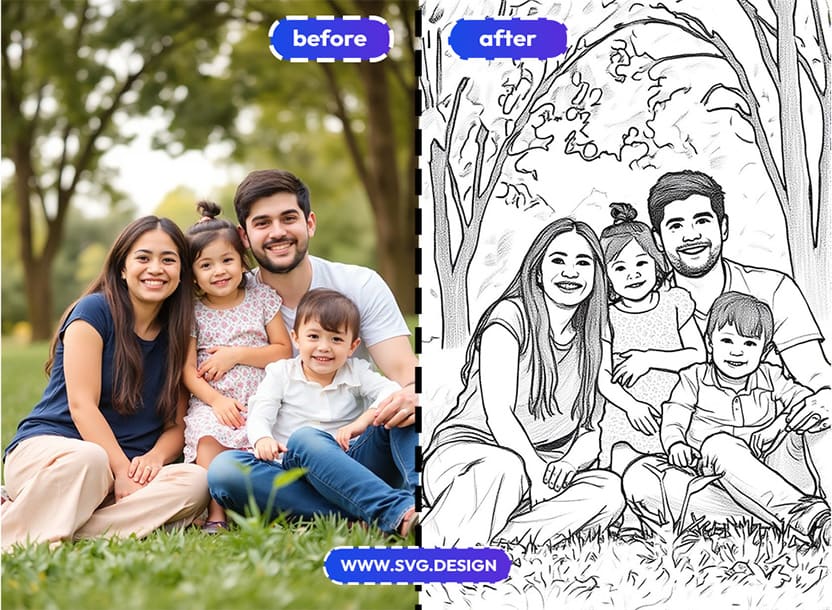
You can easily print them out and make your own coloring pages.
📈 Marketers
Because sketch-style visuals naturally grab attention on landing pages, ads, and social media.
✍️ Bloggers & Content Creators
Because custom illustrations make your articles more engaging without hiring an illustrator or learning to draw.
🎓 Educators & Students
Because hand-drawn diagrams and visuals make learning materials feel clearer and more user-friendly, even in science articles.
So, if visuals play any role in your work, this tool can save you a lot of time.
Well... Sketch Happens ✏️
Hand-drawn sketches aren’t just nice to look at.
Studies show people remember hand-drawn visuals better than perfect digital shapes, because the small imperfections feel more human.
But turning images into hand drawings doesn’t have to involve real or digital pencils anymore (unless you're an artist...)
With SVG Design Vectorize, you can go from a normal photo to a hand drawing in 5 seconds.
Turn photos into doodles, logos into sketches, and simple images into something memorable.

About the Author
I'm a vector artist and 3D designer and the founder of SVG.design. I love creating beautiful visuals and sharing what I've learned about design, productivity, and creativity with fellow artists and makers.